
Published: November 19, 2026 · Last updated: November 19, 2026
There is a customer review I think about a lot, because it praises us for a thing we do not do. The customer wrote that when they call Carolina Digital Phone, someone always answers "without going through a phone tree." I am proud of that. So you might wonder why I am about to spend about 3,000 words teaching you how to build one.
Here is why. A phone menu is a tool, and like most tools it is only annoying when it is used badly. Picture a caller who needs billing, reaches your main number five minutes before closing, and does not know anyone's extension. A good auto attendant gets that person to billing in ten seconds. A bad one reads them nine options, none of which fit, and they hang up.
So if you are asking how to add auto attendant service to your business phone, the work is mostly not about switching on a feature. It is about deciding how calls should move through your organization, and then making the phone system match. Local Business VoIP is the small-business site of Carolina Digital Phone, Inc., and our engineers build these call flows with customers every week. This guide is how we do it.
Quick answer
To add an auto attendant, map your call flow on paper first. Then choose which number the menu answers, build the destinations (extensions, ring groups, queues, mailboxes), record a greeting with three to five choices, set business hours and holiday schedules, add handling for no input and wrong keys, give every option a fallback, and test it from a cell phone. On a hosted phone system your provider can configure all of it with you.
- Auto attendant
- The recorded greeting and keypad menu that answers a call and routes it. Also called a digital receptionist or virtual receptionist.
- Call flow
- The rules for where a call goes during business hours, after hours, on holidays, and when nobody answers.
- Ring group
- Several phones that ring at once, or one after another, for the same call.
- Call queue
- A waiting line that holds callers until the next available person answers.
- Fallback
- Where a call goes when the first destination does not pick up.
Do callers really hate phone menus?
Callers hate bad menus, and the research is specific about what makes one bad. In a Clutch survey on phone menus, the top frustration was having to listen to options that did not apply, named by 69 percent of people. Nearly nine in ten said they would choose a live agent over a menu. A separate national survey of about 2,000 consumers, reported by Small Business Trends, found that 51 percent had walked away from a business entirely after hitting an automated menu.
Read those numbers again and you will see they are not an argument against menus. They are a design brief. Keep the list short. Make every option clearly about something. Always offer a way to reach a person. Do those three things and your menu helps the caller instead of standing in their way.
It also helps your staff. Every call that goes straight to the right team is a call your front desk did not have to answer, figure out, and transfer.
How do you add an auto attendant, step by step?
You add an auto attendant in eight steps, and the first one involves no technology at all. The screens differ from one phone platform to another, and the feature may be called an auto attendant, digital receptionist, virtual receptionist, or automated menu. The name matters less than the routing behind it.
- Map the call flow on paper
- Decide which number reaches the menu
- Build the destinations first
- Write and record a short greeting
- Set business hours and holiday rules
- Handle no input and wrong keys
- Give every option a fallback
- Test it like a caller
Step 1. Map the call flow on paper
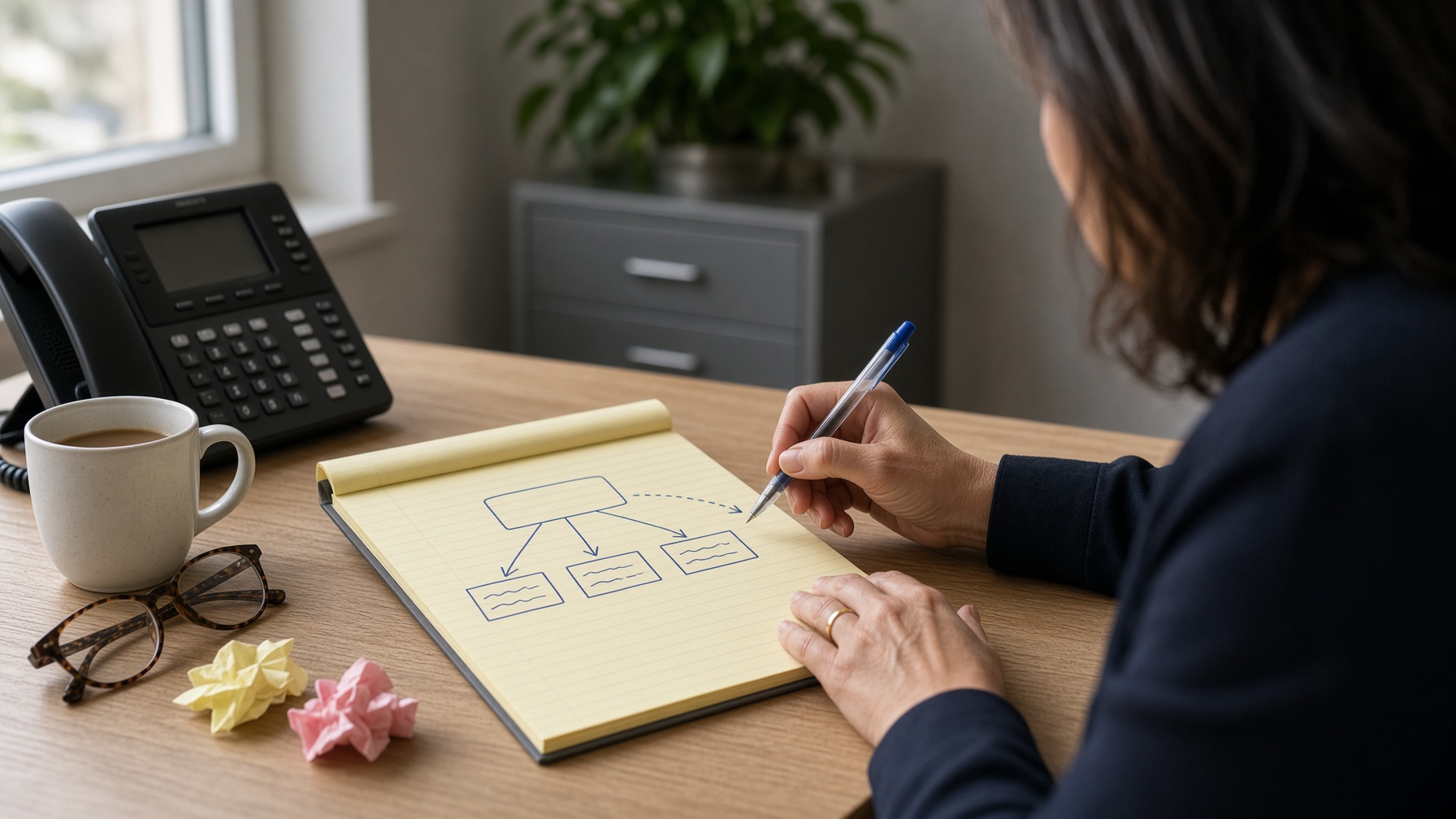
Before anyone records a greeting, write down what should happen when a call arrives. Start with your main number during normal business hours. Then cover lunch, after hours, holidays, and what happens when a department does not answer.
For a small office the path may be simple: sales, service, or the front desk. A larger organization may need choices for departments, locations, and an employee directory. A school may route families to the main office, attendance, transportation, or a specific campus. A town may send callers to utilities, inspections, finance, or a recorded emergency update.
Write it in plain sentences, the way you would explain it to a new employee. For example:
During business hours, press 1 for new sales, which rings the sales group for 25 seconds. If no one answers, send the call to the sales voicemail and email the message to the sales mailbox. Press 2 for support, which goes to the support queue. Press 0 for the front desk.
That one paragraph answers most of the questions your phone administrator or provider will ask. If you want more on the thinking behind it, see our guide on how to set call routing.
Step 2. Decide which number reaches the menu
Most organizations put the auto attendant behind the published main number. You may also want one on a toll-free number, a department line, or a number used only after hours.
Be deliberate about this. Some businesses want a person to answer every daytime call and use the menu only when the office is closed. Others run the menu all day so calls go directly to the right team. Neither is automatically better. It depends on your call volume, who your callers are, and how much a live voice is worth to them. We compare the two in auto attendant versus receptionist.
A middle path works well for many small offices: the front desk answers first, and the menu catches the call if nobody picks up within a few rings.
Step 3. Build the destinations first
Create the places calls will land before you assign any menu keys. That means extensions, ring groups, call queues, shared voicemail boxes, and outside numbers if your policy allows forwarding to them.
Ring groups and queues are different tools. A three-person office usually needs a ring group. A service desk that gets several calls at the same moment needs a queue, with a plan for what happens when the wait gets long. And watch for the most common trap: pointing every department choice at one person's desk. It works until that person takes a day off.
Step 4. Write and record a short greeting
Your greeting should name the organization, give the most useful choices, and tell callers how to reach a person. That is all. TechRepublic's guide to phone trees gives the industry rule of thumb as no more than five options per menu, and fewer is better. Crazy Egg's research roundup puts the ideal length of a main menu at 20 to 30 seconds.
Put the choice callers use most first. Say the department before the number, as in "for billing, press 3," so people hear the thing they want and then learn which key to press. Speak at a normal pace. Skip the background music and the sales pitch. Sample scripts are in the next section.
Use someone with a clear, steady voice. A professional recording can suit a large public-facing organization. A well-recorded in-house greeting is easier to update when hours, staff, or seasons change, and callers like hearing a real person from the office.
Step 5. Set business hours and holiday rules
Set up separate schedules for open hours, after hours, and holidays. Do not assume that a closed office means every call goes to the general mailbox. Your service team, your on-call person, or your facilities contact may need a different path.
Enter holidays ahead of time and check them. A holiday typed in wrong can play the daytime menu to an empty building, or send an urgent call to a mailbox nobody checks until Monday. Schools and government offices should also plan for weather closures, teacher workdays, and emergency operations, which may need a temporary message. We cover the details in how to configure holiday call schedules and how to route after-hours office calls.
Step 6. Handle no input and wrong keys
Callers do not always press a key. Some are driving. Some missed the prompt. Some are simply waiting for a human. Set the no-input action to repeat the menu once and then send the call to the front desk, a fallback group, or voicemail.
Do the same for wrong keys. A caller who presses 7 when there is no option 7 should not hear the same recording forever. One retry, then help.
Step 7. Give every option a fallback
Every destination needs a backup. If sales does not answer, does the call roll to a second group, a queue, a shared mailbox, or the on-call person's mobile app? If a caller presses 0 and the front desk is at lunch, what happens next?
This is the step that separates a menu that sounds professional from one that quietly loses calls. Write down the answer for each option. Then make sure a named person owns each voicemail box and checks it. For the wider picture, see our guide to reducing missed business calls.
Step 8. Test it like a caller
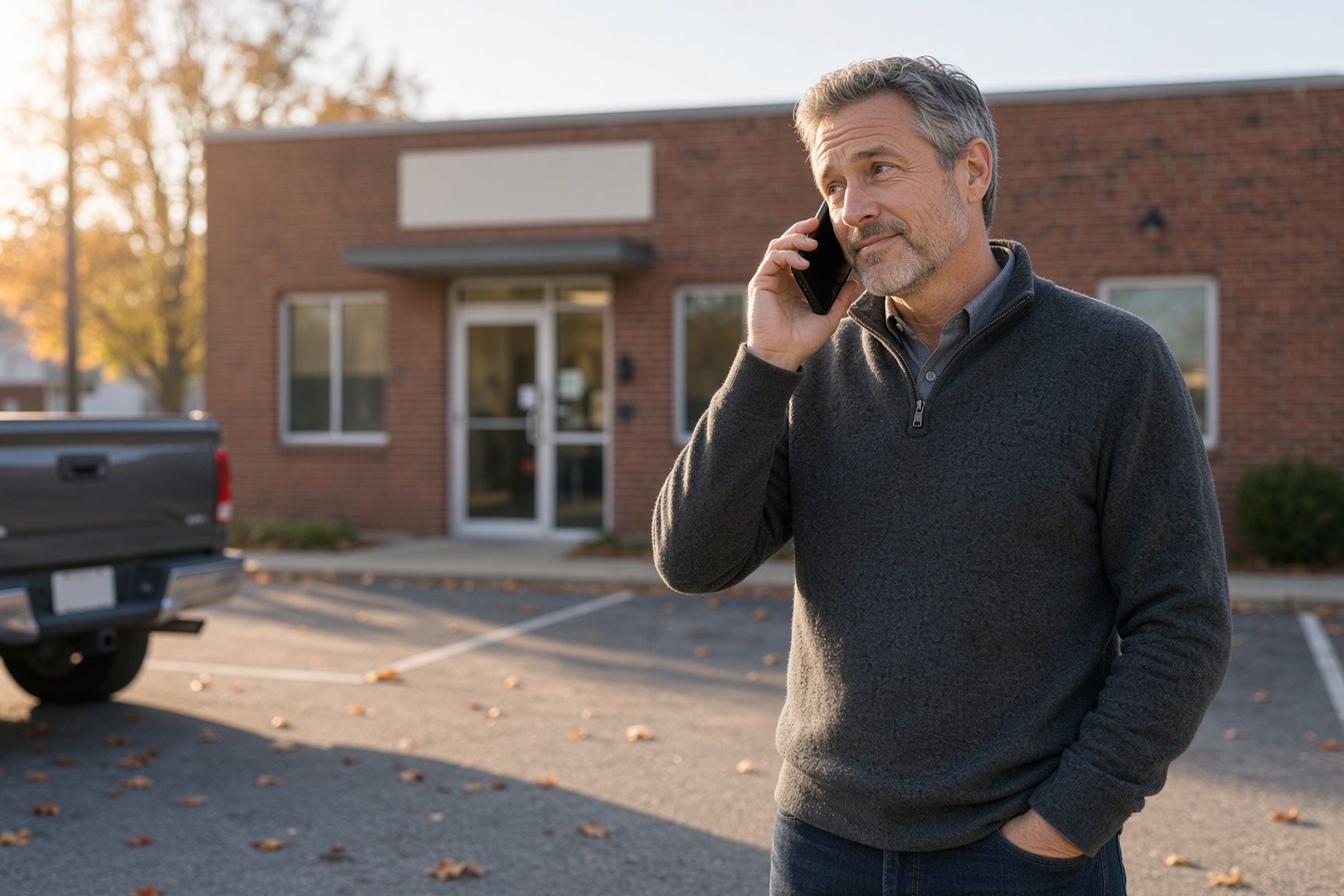
Do not test from an office extension. Stand in the parking lot, call the main number from your cell phone, and listen the way a customer would. Try every option during business hours and again after hours. If your system lets you simulate a holiday, do that too.
Check that each choice reaches the people you intended, that queues play a sensible message, and that voicemail to email lands in the right inbox. Confirm that transfers work from the mobile and desktop apps. If you have more than one location, test how calls move between them.
Then test the failures. Let an option ring with nobody answering. Press a wrong digit. Say nothing and wait. Callers do all three every day.
What should an auto attendant greeting say?
It should say who you are, what the choices are, and how to reach a person, in about 25 seconds. Here are three scripts you can copy and change. Replace the bracketed parts with your own.
Daytime greeting
Thank you for calling [Company Name]. For service or maintenance, press 1. For sales or leasing, press 2. For billing, press 3. To speak with our office, press 0.
After-hours greeting
Thank you for calling [Company Name]. Our office is closed. Our hours are Monday through Friday, 8:30 to 5:00. For an urgent service issue, press 1. To leave a message for the office, press 2.
Holiday or weather closure greeting
Thank you for calling [Company Name]. Our office is closed today because of [the holiday or weather]. We will reopen [day] at [time]. For an urgent issue, press 1. To leave a message, press 2.
Use plain department names. "Press 2 for customer care" sounds polished, but callers cannot tell whether it covers billing, technical help, returns, or scheduling. "Billing" is better.
What does a finished call flow look like?
A finished call flow fits on one page, with a row for every menu key. Copy this worksheet, fill it in, and hand it to whoever sets up your phones. It is the same information our engineers ask for.
| Key | Caller hears | Goes to | If no answer | After hours | Owner |
|---|---|---|---|---|---|
| 1 | Service or maintenance | Service queue, 4 phones | After 60 seconds, service voicemail, emailed to the team | On-call technician's mobile app | Service manager |
| 2 | Sales | Sales ring group, 3 phones | After 25 seconds, sales voicemail | Sales voicemail | Sales lead |
| 3 | Billing | Billing extension | Second billing extension, then mailbox | Billing voicemail | Office manager |
| 0 | Our office | Front desk | Office ring group | General mailbox | Office manager |
| No key | Menu repeats once | Front desk | Office ring group | General mailbox | Office manager |
| Wrong key | "That is not a valid choice," then menu repeats once | Front desk | Office ring group | General mailbox | Office manager |
Who should be allowed to change the auto attendant?
Two people: one primary owner and one backup. An auto attendant should not need a project every time an employee leaves or holiday hours change. Too many administrators, though, and you get conflicting edits. The owner is usually an office manager, an operations lead, or an IT administrator.
Keep a current copy of the call flow, the greeting scripts, the schedules, and the mailbox owners in one place. It helps when the office closes early, a department changes its name, or something unexpected calls for temporary routing. It also gives your support team something to look at when you call for help.
What are the most common auto attendant mistakes?
The most common mistake is asking one menu to solve every communication problem. A menu can direct calls. It cannot fix fuzzy department responsibilities or a queue with too few people in it. If callers keep pressing 0 because none of the choices fit, that is feedback, and you should act on it.
- Too many choices. Past five, callers stop listening. Use a second menu under one of the options.
- Vague labels. Name the department the way a customer would.
- No way to reach a person. Always offer 0, during the hours someone is there to answer it.
- One person behind every key. It fails the day that person is out.
- Mailboxes nobody owns. A voicemail box with no owner is where calls go to disappear.
- Set it and forget it. Review the menu a month after launch. Ask the front desk what callers get wrong. Look at missed-call and queue reports if your system has them. Moving the most-used option to the top can cut transfers noticeably.
Auto attendant, IVR, or AI receptionist: which do you need?
Most small and mid-sized organizations need an auto attendant. The three terms get used loosely, so here is the difference.
| Tool | What it does | Best for |
|---|---|---|
| Auto attendant | Plays a greeting and routes the call by keypad choice | Getting callers to the right department quickly |
| IVR | Collects information from the caller and can complete tasks, such as checking an account | High-volume call centers with repeat self-service requests |
| AI receptionist | Holds a spoken conversation, answers common questions, books appointments, and hands urgent calls to staff | After-hours coverage and offices that miss calls when the front desk is busy |
They also work together. Many of our customers use a simple menu during the day and an AI receptionist at night. If you are weighing that, read our honest look at what an AI receptionist cannot do, or see the product at DigitalPhone.ai, which is Carolina Digital Phone's own platform.
How does Carolina Digital Phone help with this?
Our local engineers plan, configure, test, and revise call flows with you, and auto attendants are typically included with the service. The useful part is not the menu itself. It is having someone who understands which extension, queue, schedule, and fallback should sit behind each choice, and who will pick up when you need to change it.
You can read more about the feature in the key benefits of a VoIP phone system auto attendant on our main site, browse the full feature list, or watch short how-to lessons in our free video training library. If you want to know who you would be working with, start with why businesses choose Carolina Digital Phone, our history, and what we mean by a trusted communications partner.
Your auto attendant does not need to sound elaborate. It needs to give callers a clear path, give your team a workable backup, and keep working when the office is closed or people are away. Start with the calls you get most, test every route, and change the menu when your business changes.
Frequently asked questions
What is an auto attendant?
An auto attendant is the recorded greeting and menu that answers a business phone line and lets callers choose where to go, such as press 1 for sales or press 2 for billing. It can send calls to a person, a group of phones, a call queue, voicemail, or another menu. It is also called a digital receptionist or virtual receptionist.
How do I add an auto attendant to my business phone?
Map your call flow on paper first, then choose which number the menu answers, build the destinations, record a short greeting, set business hours and holiday schedules, add handling for no input and wrong keys, give every option a fallback, and test from a cell phone. On a hosted phone system, your provider can configure it with you.
How many options should an auto attendant menu have?
Three to five. Callers can hold a short list in their heads, and the most common complaint about phone menus is having to listen to options that do not apply. If you need more than five, use a second menu under one of the choices.
How long should an auto attendant greeting be?
Aim for 20 to 30 seconds for the main menu. Say the company name, list the choices starting with the one callers use most, and tell them how to reach a person. Leave out marketing messages and long announcements.
What is the difference between an auto attendant and an IVR?
An auto attendant routes calls with a simple keypad menu. An IVR, or interactive voice response system, can also take information from the caller, look things up in a database, and complete tasks like checking a balance. Most small and mid-sized organizations need an auto attendant, not a full IVR.
Should a small business use an auto attendant or a live receptionist?
It depends on your call volume and your callers. Many small businesses have a person answer during the day and use the auto attendant after hours, at lunch, and as overflow when the front desk is busy. That keeps the personal touch and still catches every call.
Does an auto attendant cost extra?
On most hosted phone systems it is included as a standard feature. With Carolina Digital Phone, auto attendants, time-of-day routing, and call queues are typically included, and our team helps you set them up.
Can I change my auto attendant greeting myself?
Yes. On a hosted system an authorized administrator can re-record a greeting or switch to a holiday or weather closure message without a technician. Assign one primary owner and one backup so changes do not conflict.
What should happen when a caller does not press anything?
Repeat the menu once, then send the call to a person, a ring group, or a monitored voicemail box. Never leave a caller looping through the same recording.
Does the auto attendant affect 911 calls?
No. The auto attendant only handles incoming calls. Emergency location for outgoing 911 calls depends on the dispatchable location assigned to each phone and user, which your provider manages with you separately.
Want help building your call flow?
Fill in the worksheet above, or just tell us where your calls go wrong today. Contact the experienced team at Carolina Digital Phone for solutions to your phone and messaging problems.
To talk to someone right away, call (336) 544-4000, or click below for a quick call back from a member of our team.
Prefer another route? Request a callback from a local onboarding engineer at HostedBusinessTelephone.com, or get more information at LocalVoIPProvider.com.