Phone system for remote teams that works
Your receptionist is in Greensboro, your estimator is on a job site in Winston-Salem, and your bookkeeper is working from home. A customer calls your main number and expects the same smooth experience they got five years ago when everyone sat in one office. A phone system for remote teams should keep calls moving, numbers stable, and staff reachable from anywhere, without adding cost or confusion.
That is the real test of a phone system for remote teams. Not whether it has a long feature list, but whether your business still sounds organized when your people are spread out. For most small and mid-sized businesses, the old setup breaks down fast. Desk phones tied to one office, a patchwork of cell phones, and voicemail boxes nobody checks create missed calls, confused customers, and too much guesswork. A remote team needs one business phone system that follows your staff wherever they work, while still giving you control over routing, call quality, reporting, and security.
What a phone system for remote teams needs to do
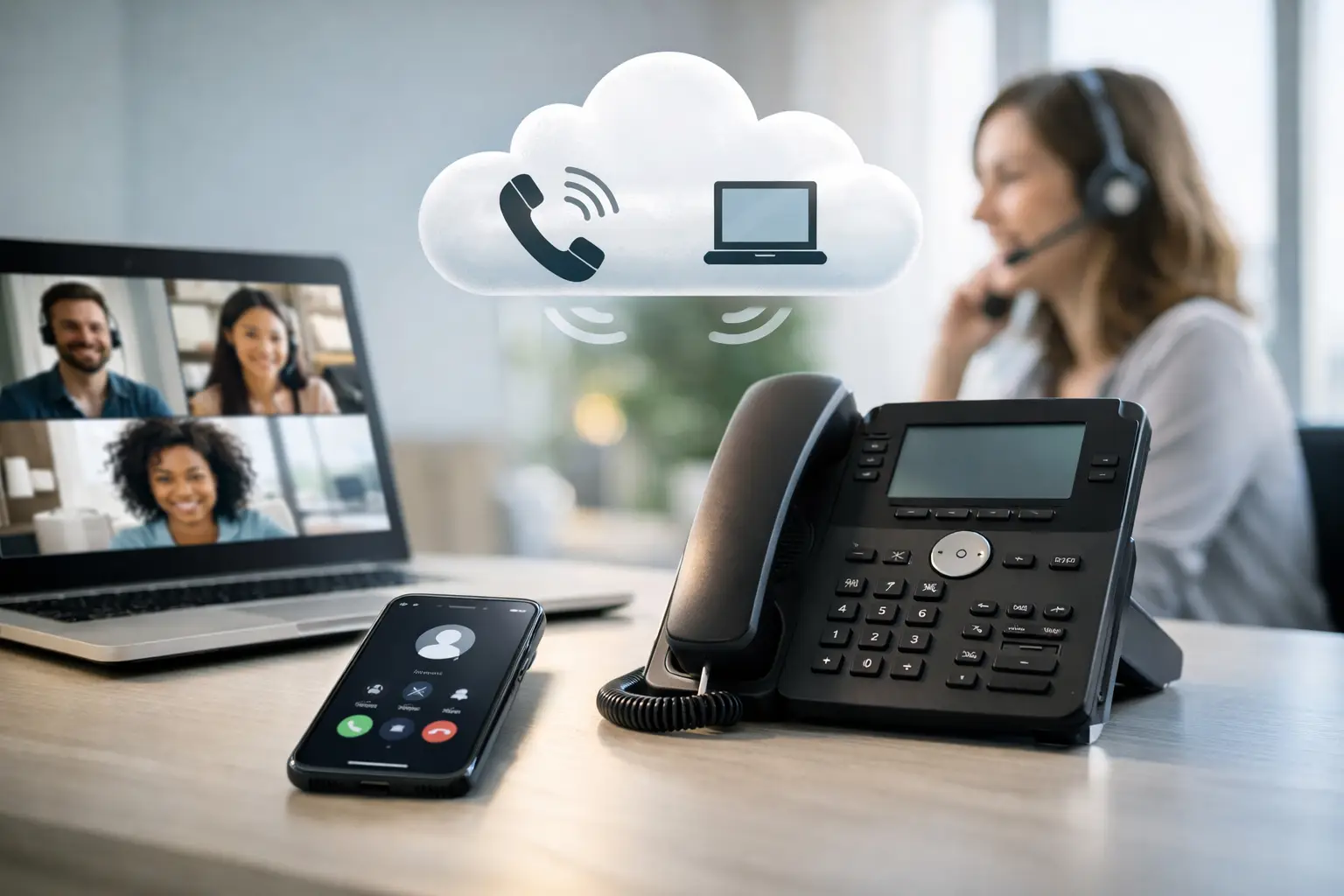
The first job is simple. It has to keep your business number at the center of everything. Customers should call one main number, reach the right person or department quickly, and hear a professional greeting instead of a cell phone voicemail. That usually means using a hosted VoIP or cloud PBX system. In plain English, that is a business phone service delivered over the internet instead of old copper landlines or a box sitting in your office closet. Your team can answer calls on desk phones, laptops, or mobile apps, but the business still presents one consistent identity.
A good remote setup also needs smart call routing. If your front office is working remotely, calls can still ring a receptionist, then a backup person, then a queue. If your sales staff is mobile, incoming calls can go to the next available rep. If your office is closed, calls can route to an after-hours message, voicemail-to-email, or an on-call person. That flexibility matters because remote work is not one thing. Some teams are fully remote. Some are split between office, home, and field. Some have multiple locations. The right system should handle all three without making you rebuild the whole phone plan every time staffing changes.
Why cell phones alone are not enough
A lot of businesses try to solve remote work with a simple idea: give everybody a cell phone and call it done. It sounds cheap and easy. In practice, it usually creates more problems than it solves. First, your business number starts to disappear. Customers call personal numbers, text old contacts, and save whatever line reached them last. When an employee leaves, those customer relationships can walk out the door with that phone.
Second, there is not much structure. You lose auto attendants, ring groups, call queues, shared voicemail, call transfer, and centralized reporting. That may not matter when you have three people. It matters a lot when you have ten, twenty, or multiple departments trying to cover calls consistently. Third, personal phones blur lines that should stay separate. Employees do not always want business calls hitting their private number at night. Managers need a better way to set schedules, after-hours rules, and routing than texting each other to ask who is available.
| What you need | Personal cell phones only | A real business phone system |
|---|---|---|
| Business number ownership | Lives on an employee's personal phone | Owned by the business, follows any staff member |
| Call routing | None — whoever's number the customer saved | Auto attendants, ring groups, and queues |
| Reporting and visibility | No record of who answered what | Centralized logs and call reporting |
| Employee turnover | Customer relationships can leave with the phone | Number and history stay with the company |
| Work/life boundary | Business calls hit a personal line, day or night | Schedules and after-hours rules apply automatically |
A business phone system fixes that by keeping the company number and the company call flow under your control, even when the people answering those calls are not in one building.
Not sure which of these gaps your business already has? Call ☎ (336) 544-4000 and talk with a pre-sales engineer here in North Carolina. We will walk through your current setup and point out exactly what you are missing, no obligation.
The features that actually matter
It is easy to get buried in telecom jargon, so it helps to stay practical. For remote teams, a few features do most of the work.
- Auto attendants that answer and direct calls without forcing every caller to wait on one person
- Ring groups so several people can share responsibility for a department line, like sales or support
- Queues that hold callers in an orderly way during volume spikes instead of bouncing them to voicemail
- Softphone apps so your team can call and text from a desktop or smartphone with the company caller ID
- Voicemail-to-email so messages do not get stuck on one desk phone nobody is sitting at
- Business texting for real estate, property management, healthcare scheduling, and service businesses where customers prefer a quick text
- Mobile continuity so calls fail over to another device or number if the internet drops or someone steps away
Softphones matter more than people expect. That just means your team can make and receive business calls through an app on a desktop or smartphone. For remote workers, this is often what makes the whole system usable day to day. They can answer the business line from home, transfer a call to a coworker, check voicemail, and keep their caller ID tied to the company. None of this is flashy. It is what keeps business moving on a storm day or during an office outage.
Reliability is not optional for remote teams
When your team is spread out, reliability gets more complicated. The office internet is one piece. Home internet connections, mobile networks, and power outages all become part of the picture. That does not mean remote calling is risky by default. It means your provider should be built for failure points. You want redundant infrastructure, more than one path for traffic, and a clear plan for rerouting calls when a device, location, or connection goes down.
This is where national marketing language can get slippery. Plenty of providers talk a big game about uptime, but the better question is what they actually run and support. If a vendor can tell you where their systems live, how failover works, and what happens when your office loses power, you are getting closer to a real answer. For schools, municipalities, healthcare groups, and other organizations with compliance or public service obligations, reliability also ties into E911 and emergency communication. A remote-friendly phone system should not make those requirements harder to manage. It should give you a cleaner way to keep users, devices, and locations organized.
Cost savings are real, but so are trade-offs
A cloud-based phone system is often less expensive than maintaining legacy PBX hardware and traditional phone lines. For many businesses, monthly per-user pricing is easier to budget than surprise repair bills, aging hardware, and line charges that never seem to go away. That said, the cheapest option is not always the right one. A low-cost service can look fine on paper and still create headaches if support is hard to reach, call quality is inconsistent, or number porting drags on for weeks. If your phones are central to revenue or service delivery, reliability and support deserve real weight in the decision.
There is also the question of hardware. Some remote teams do well with apps only. Others still want IP desk phones for receptionists, call-heavy staff, or shared spaces. Neither approach is wrong. It depends on how your people work and how much call handling they do.
How to choose the right remote team phone setup
Start with your call flow, not the feature sheet. Think through what happens when a customer calls your main number at 10 a.m., 4:55 p.m., and during lunch. Who answers first? What happens if they are busy? Where do after-hours calls go? How do new leads get to sales, and how do existing customers reach support?
Next, look at where your people actually work. If half your staff rotates between office and home, you need easy device switching. If your employees are mostly in the field, mobile apps and texting may matter more than desk phones. If you have multiple offices, make sure the system ties them together under one plan instead of creating separate islands.
Then ask about implementation. Number porting, handset setup, user training, and call flow design are where many projects go sideways. A provider should be able to walk you through the transition plainly and tell you what your staff needs to do before go-live day. Support matters here more than businesses sometimes expect. When phones are not working, you do not want a ticket sitting in a national queue with no clear owner. You want a person who can explain the issue and fix it. That is one reason many organizations in North Carolina, South Carolina, and Virginia still prefer a local provider. The technology may be cloud-based, but support should still feel human.
Ready to see how a properly configured system compares to what you are running today? Call ☎ (336) 544-4000 and a pre-sales engineer will walk through your call flow with you, feature by feature, and show you exactly what your business might be missing.
A better system should make your business easier to reach
The main point of a remote-friendly phone system is not to chase a trend. It is to make your business easier to reach, easier to manage, and less dependent on one building or one employee's cell phone. When it is set up well, your customers do not have to think about where your staff is sitting. They just get answered, routed, and helped. Your team gets the flexibility to work from the office, from home, or on the road without sounding scattered. And you get one place to manage numbers, users, schedules, greetings, and call paths without babysitting old hardware.
If you are weighing options, ask the plain questions first. How will calls move through the business? What happens in an outage? How hard is it to port numbers? Who do you call when something goes wrong? Those answers will tell you more than a flashy demo ever will. A phone system should make remote work feel ordinary. That is when you know it is doing its job.
Carolina Digital Phone: local support for distributed teams
North Carolina businesses that want a phone system built for remote and hybrid teams have a direct option in Carolina Digital Phone. We deliver hosted VoIP with auto attendants, ring groups, queues, softphone apps, business texting, and mobile continuity as standard, backed by a real North Carolina team and no hidden fees. Carolina Digital Phone has served North Carolina since 2000, led by a founder whose technology career spans more than 45 years. We have helped local businesses shift from single-office setups to fully distributed teams without losing the professional, organized experience customers expect. Learn why organizations choose us, read our 45-year story, or explore how we serve construction, property management, and financial services teams that work across multiple sites.
Want to know exactly which features your business is missing? Call ☎ (336) 544-4000 for a no-obligation conversation with a North Carolina pre-sales engineer, or request a callback.
Phone systems for remote teams: frequently asked questions
A hosted VoIP or cloud PBX system is the best fit for most remote teams. It keeps one business number at the center, routes calls with auto attendants and ring groups, and lets staff answer from a desk phone, laptop, or mobile app while presenting a single, consistent business identity.
No. Softphone apps let staff make and receive business calls from a laptop or smartphone with the company caller ID. Some businesses still keep desk phones for receptionists or call-heavy roles, but it is not required for a remote team to work well.
Smart routing rings a receptionist, then a backup person, then a queue, based on rules you set. Sales calls can go to the next available rep, and after-hours calls can route to voicemail-to-email or an on-call person, regardless of where each employee is physically working.
A properly configured system includes mobile continuity, so calls can fail over to another device or number automatically. This is one of the most important features to test before you commit to a provider.
Yes. Business texting sends and receives two-way SMS from your company number, not a personal cell phone, which keeps the conversation with the business even as staff change or work from different locations.
Because when phones are not working, you want a person who can explain the issue and fix it, not a ticket in a national queue. Carolina Digital Phone routes support to a real North Carolina team. Call (336) 544-4000 to experience it.
Find out what your remote team's phone system is missing.
Whether your staff is fully remote, split between office and home, or working across multiple sites, an experienced Carolina Digital Phone pre-sales engineer will walk through your call flow and show you exactly which features could make your business easier to reach. Transparent pricing, 99.99% uptime, and a local North Carolina team that answers the phone. No obligation.
Request a free consultation