Published October 21, 2026. Last updated October 21, 2026.
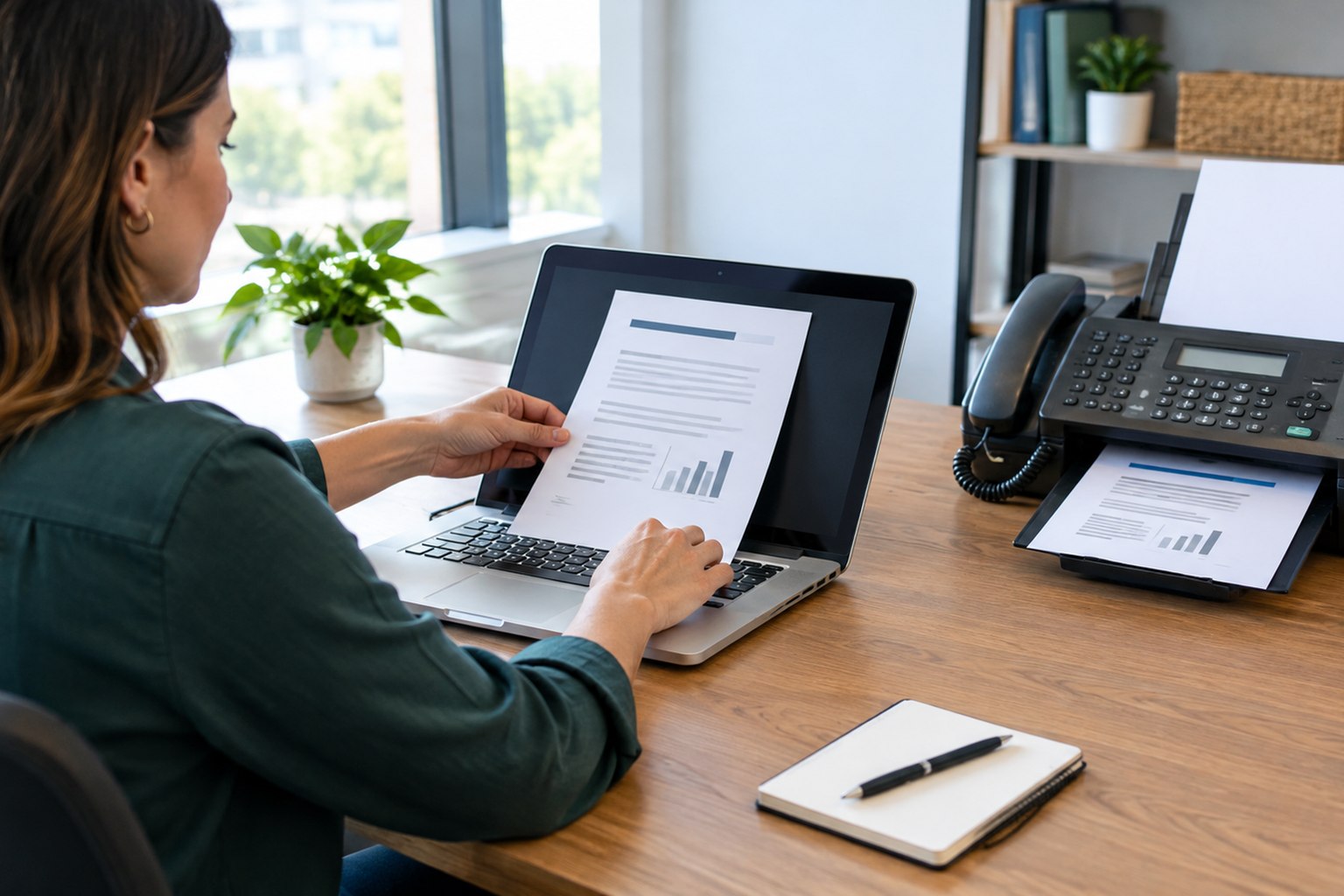
Every few months somebody asks me, with a note of embarrassment, whether our phone service can handle fax. There is nothing to be embarrassed about. Fax is not dead in North Carolina. Medical offices, pharmacies, courts, insurance carriers, county agencies, and title companies still ask for it every day, and they will for years. What is dead, or ought to be, is the beige machine on the credenza, the copper line it hangs off, the toner, the paper jams, and the stack of incoming pages sitting face-up where anyone walking by can read them.
This guide shows you how to send a fax from your email or your phone, receive faxes in your inbox, and retire the machine without upsetting anyone who still needs to receive a fax from you. Local Business VoIP is the small-business site of Carolina Digital Phone, Inc., a hosted phone provider in Greensboro that has included fax service with its phone plans since long before anyone called it "cloud fax." My team published a step-by-step email to fax guide on our main site this week. This one is for the owner or office manager deciding whether to make the switch at all, and what to watch for when you do.
Quick answer: how do you send a fax without a fax machine?
With an online fax service tied to your business phone account, you send a fax by emailing the document to the recipient's fax number at your provider's fax domain, for example [email protected], with the pages attached as a PDF. From a phone, scan the paper first with the Notes app (iPhone) or the Google Drive app (Android), then attach the PDF to that same email or upload it in the provider's app. Incoming faxes arrive as PDF attachments in your inbox. The fax service does the dialing on its end, so you need no machine, no toner, and no phone line.
- Online fax (also called email to fax, internet fax, or cloud fax)
- A service that sends and receives faxes for you over the phone network and hands you the pages as email attachments.
- Fax gateway address
- The special email address, fax number plus @ plus your provider's fax domain, that turns an email into a fax.
- Transmission report
- The provider's confirmation that the receiving machine accepted every page. It is the only proof that a fax went through; your Sent folder is not.
- Fax over VoIP
- Running an old fax machine through an adapter on a VoIP line. It works unreliably because compressed voice drops fax tones, which is why online fax exists.
The pediatric practice with a fax machine nobody could find
A pediatric practice in Burlington called us about three years ago because a referral had gone missing. A specialist's office in Chapel Hill swore they had faxed it twice. The practice's fax machine was in a hallway alcove behind the vaccine refrigerator, and the second page of the referral, the one with the appointment date, had slid off the output tray and under the refrigerator. A nurse found it four days later. The family had already missed the appointment.
The office manager, a woman named Carla who had run that front desk for sixteen years, did not want a new fax machine. She wanted the referrals to show up where the referrals were handled, which was her inbox and the inbox of the nurse who scheduled specialists. That is what we set up. The practice's fax number ported to our service, incoming faxes landed in both inboxes as PDFs within a minute, and outbound faxes went out from email with a confirmation she could file in the chart. The machine went to the county recycling center. Carla told me the best part was not the convenience. It was that nobody walking down the hallway could read a child's referral anymore.
This story is a composite drawn from several Carolina Digital Phone healthcare customers. Names and details have been changed.Why do businesses still fax in 2026, and why should you stop using a machine to do it?
Fax survives because the institutions that handle the most sensitive paperwork trust it. A fax is a point-to-point phone call between two machines, it leaves a record, and it has decades of legal and regulatory acceptance behind it. Hospitals, pharmacies, courts, Social Security, the DMV, and most insurance carriers still accept fax and some still prefer it. If you do business with any of them, you will send and receive faxes. That part is not changing soon.
The machine is a different matter. It needs a dedicated phone line, and copper lines across North Carolina are being retired; our note on AT&T copper lines that may shut off after November 15, 2026 explains the timeline. It prints everything that arrives, whether or not anyone is there, and leaves it in a tray. It cannot be reached from home or from a job site. And if you try to keep it alive on a VoIP adapter after the copper goes, you will discover that fax tones and compressed voice do not get along. Our guide to replacing an analog phone system without gaps treats fax as one of the devices that needs its own plan. This post is that plan.
Four ways to send a fax today
| Method | What you need | Best for | Watch out for |
|---|---|---|---|
| Email to fax | An authorized email account and the provider's fax domain | Daily office use; anything already on your computer | Cover page built from the subject line; email signatures sneaking into the fax |
| Phone scan plus email | Notes (iPhone) or Google Drive (Android), then the same email address | Paper forms, signed documents, anything away from the desk | Shadows, cut corners, pages out of order |
| Provider portal or app | Login to the fax screen in your phone system's portal | Teams that want a dedicated destination field and cover-letter control | One more login to remember; make sure two people have it |
| Fax machine on a VoIP adapter | Analog telephone adapter and a lot of patience | Nothing, in our experience | Failed pages, no confirmation, and it still prints everything in a tray |
How do you send a fax from email?
Six steps. The first is the one people skip, and it is the reason most first attempts fail.
- Confirm your account can send fax by emailOnline fax is a service, not a feature of your inbox. Ask your phone provider which email addresses are authorized to send, and whether a shared mailbox needs its own approval. Write the gateway address down where the whole office can find it.
- Get the document into one clean PDFScan with the Notes app on an iPhone or the Google Drive app on Android, or export from Word. Open the file and check it at reading size: no shadows across text, no cut-off corners, signatures and dates visible, pages in order, blank backs removed.
- Address the email to the fax number at your provider's fax domainThe To line is the recipient's fax number followed by the @ sign and your provider's fax domain. Use the dialing format your provider specifies, usually the country code plus ten digits with no spaces or dashes. Copy the domain from your own account instructions.
- Attach the file and decide what becomes the cover pageAttach the PDF itself, not a link to it. Most gateways turn the subject line or message body into a cover page, so write a short, professional note or leave both blank. Delete your email signature and never forward an entire thread.
- Send once and read the transmission reportYour email Sent folder only proves the email left. The fax service's confirmation or transmission history proves the pages were delivered. Wait for it before you resend, and save it with the document if the packet matters.
- Fix a failure by reading the reason, not by resendingAttachment rejected means wrong format or size. Sender rejected means the From address is not authorized. Number rejected means a formatting or country-code problem. Busy means wait for the retries to finish. No confirmation means check spam and the portal before assuming the worst.
What the email looks like. Say the recipient's fax number is (336) 555-0123, a fictional number, and your provider's fax domain is fax.yourprovider.com.
Subject: Referral for J. Smith, 3 pages (this becomes the cover page on most services)
Attachment: referral-smith.pdf
Body: empty, or one line. No signature block, no forwarded thread.
Carolina Digital Phone customers use the pattern [email protected]; copy the exact domain from your own account instructions rather than from a blog post, including this one.
How do you fax from an iPhone or Android phone?
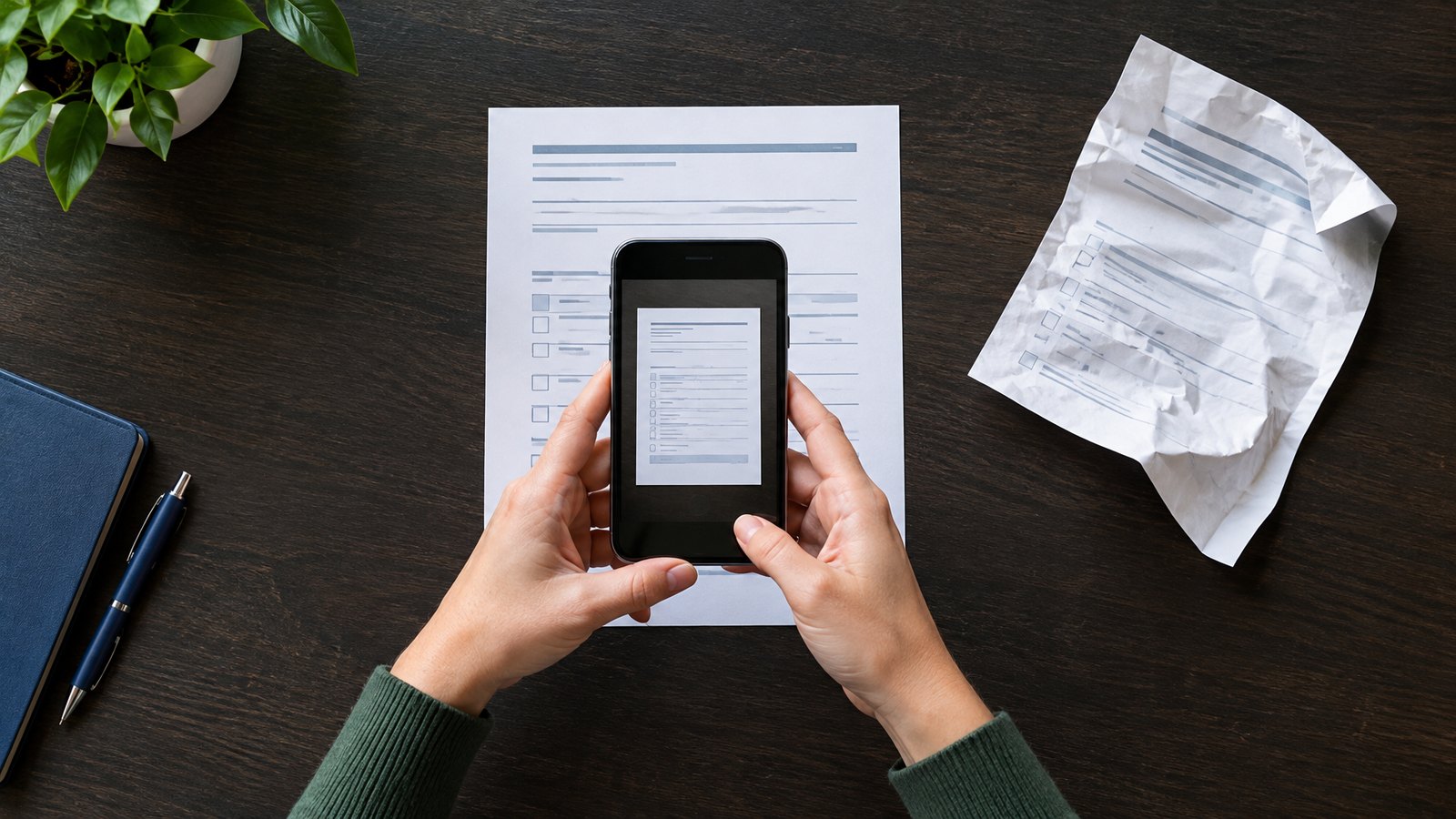
Scanning and faxing are two separate acts, and the phone only does the first. Once you have a clean PDF, the fax goes out exactly as it would from a laptop: attach it to an email addressed to the fax gateway, or upload it in your provider's app.
On an iPhone
Open Notes, start or open a note, tap the attachment (paperclip) button, and choose Scan Documents. Hold the phone over the page; it captures automatically or you tap the shutter. Drag the corners if the crop missed, tap Keep Scan, and repeat for each page. Tap Save when you are done, then tap the scan and use the share button to send it as a PDF by email. The Files app has the same scanner under the More menu. Apple's own instructions are at support.apple.com.
On an Android phone
Open the Google Drive app and tap the camera button at the bottom. Capture the page, adjust the crop, tap the plus button to add more pages, and tap Done. Name the file something a human will recognize, choose PDF, pick a folder, and save. Then share it to your email app. Google's instructions are at support.google.com.
Before you attach it
- Open the PDF and zoom to the smallest print. If you cannot read it, the recipient cannot either.
- Retake any page with a shadow across the text, a missing corner, or a blurred signature.
- Check the page order and delete blank backs.
- Count the pages and put the count in the subject line so the recipient knows what a complete packet looks like.
For employees who are rarely at a desk, this is the same workflow they already use for mobile calling on our Digital Voice Plus app, and it fits the policies in our hybrid employee phone checklist.
When should you use the portal instead of email?
When you want a dedicated screen with a destination field, a file picker, and a checkbox for the cover letter, so nobody has to remember the gateway address or worry about what the subject line turns into. In Carolina Digital Phone's Manager Portal the path is Fax, then Send Fax, then Browse to pick the file, enter the destination number, optionally choose Add Cover Letter, and Send. The portal accepts PDF, DOC, DOCX, JPG, TIF, ODT, TXT, and HTML. The full walkthrough with screenshots is at carolinadigitalphone.com/how-to-fax.
Whichever method your office standardizes on, send the first fax as a harmless test page to a friendly recipient and ask them to confirm it arrived complete and readable. Then write the method down on one page and tape it inside the supply cabinet door where the fax machine used to sit.
How do you know the fax went through, and what do you do when it did not?
Your email program's Sent folder proves only that the email left your account. The fax service's confirmation email or transmission history proves the receiving machine accepted the pages. That is the record to keep. For a deadline-sensitive packet, add one more step: ask the recipient to confirm the page count and legibility, because a confirmation report is proof of delivery, not proof that anyone read it.
When a fax fails, the reason is in the report. Fix that one thing:
| Report says | What it means | Fix |
|---|---|---|
| Attachment rejected | Unsupported format or too large | Export a fresh PDF, check the size, resend |
| Sender not authorized | The From address is not on the account | Ask your administrator to add it; do not borrow a coworker's account |
| Invalid number | Punctuation, missing country code, or a wrong digit | Retype the number as digits only in the provider's format |
| Busy or no answer | The receiving machine was busy, off, or out of paper | Let the automatic retries finish before you create a second job |
| No confirmation at all | Usually a spam filter, occasionally a queued job | Check spam, then the portal's history, before assuming failure |
What should you do with the faxes that come in?
This is where online fax earns its keep. Decide which inbox, or inboxes, incoming faxes land in. Route the clinic's referrals to the two people who schedule them. Route a law office's court filings to the paralegal and the attorney. Name a backup for vacations, because a fax that arrives in one unattended inbox is no better than a page under a refrigerator. Decide where completed documents are filed and who deletes the temporary downloads from shared computers.
For anything covered by HIPAA, use a work email account with two-factor authentication, never personal mail, and confirm an unfamiliar fax number with the recipient before sending protected health information. HHS names that confirmation step as a reasonable safeguard. Our healthcare phone continuity guide and VoIP security checklist cover the rest of the office's communications with the same care.
Keep the number, lose the machine. Your fax number ports like any other business number. Give your provider a recent bill with the exact account name and service address, keep the old line alive until a test fax lands in your inbox, and then cancel it. Our number porting timeline guide covers the paperwork, and Carolina Digital Phone's page on how e-faxing works answers the questions customers ask most.
Why get fax from your phone provider instead of a standalone fax app?
Because then it is one bill, one login, one support number, and one company that owns the problem when a fax does not arrive. Fax is a feature of a hosted phone system, alongside business texting, the auto attendant, and the mobile app, and it ports and routes the same way your voice numbers do. Carolina Digital Phone has included it for small offices, clinics, and local governments across North Carolina since 2000, and our support team in Greensboro has walked more front-desk managers than I can count through their first email fax. That is the service described in why businesses choose Carolina Digital Phone, the two decades in our history, and what we mean by a trusted communications partner. The full list of what comes with the service is on our features page.
Frequently asked questions about faxing from email and phones
How does email to fax work?
You send an ordinary email to a special address made of the recipient's fax number and your provider's fax domain, with the document attached. The fax service receives the email, converts the attachment to fax pages, dials the recipient's fax number over the phone network, and emails you a confirmation when the pages are delivered. The recipient's fax machine prints it like any other fax.
Can I send a fax from my iPhone or Android phone?
Yes, in two steps. First scan the paper with the Notes app on an iPhone or the Google Drive app on Android, which produces a PDF. Then attach that PDF to an email addressed to the fax number at your provider's fax domain, or upload it in the provider's portal or app. Scanning alone does not send anything.
Do I need a fax machine or a phone line to send a fax from email?
No. The fax service does the dialing from its own equipment. You need an internet connection, an email account the service has authorized, and a fax number assigned to your business for the replies. The physical machine and the copper line it sat on can both go.
Can I receive faxes by email too?
Yes. Incoming faxes to your business fax number arrive as PDF attachments in whichever inbox or inboxes you choose, usually within a minute of the sender's machine finishing. Nothing prints unless you want it to, and nothing sits face-up in a tray for the wrong person to read.
What does online fax cost for a small business?
Carolina Digital Phone includes fax service with its hosted phone plans for businesses that need it, with a dedicated fax number and sending by email, portal, or app. If you are comparing a standalone fax service, check whether the price covers both sending and receiving, how many pages are included, and whether a cover page counts as a page.
Is email to fax secure enough for medical or legal documents?
The fax leg of the transmission is the same as it has always been, which is why healthcare, legal, and government offices still accept fax. The email leg is only as secure as your email account, so use a work account with two-factor authentication, do not send from personal mail, and confirm an unfamiliar fax number with the recipient before sending protected information. HHS names that confirmation step as a reasonable safeguard for health information.
Will my old fax machine work on a VoIP phone system?
Sometimes, with an analog adapter, but fax over VoIP is unreliable because compressed voice codecs drop the tones a fax machine depends on. A dedicated fax service that sends and receives by email avoids the problem entirely, which is why we recommend it over an adapter for almost every small office.
What happens to my fax line when AT&T shuts off copper service?
Copper lines are being retired across North Carolina, and a fax machine on a copper line stops working when the line does. Porting the fax number to an online fax service keeps the number alive, delivers faxes to email, and removes one more reason to keep paying for a landline.
What file types can I fax from email?
PDF is the safe choice and the one every service accepts. Carolina Digital Phone's portal also accepts DOC, DOCX, JPG, TIF, ODT, TXT, and HTML. Whatever the format, open the file and check it before you send; a transmitted but unreadable page helps nobody.
Why did my email to fax fail?
The transmission report tells you. The most common reasons are an attachment in an unsupported format, a From address the service does not recognize, a fax number typed with the wrong country code or punctuation, and a busy or unanswered machine on the other end. Read the reason and fix that one thing rather than resending five times.
Can I keep my existing fax number?
Almost always. A fax number ports like any other business number. Give the provider a recent bill with the exact account name and address, and keep the old line active until the port completes and a test fax arrives in your inbox.
Does a fax confirmation prove the recipient read it?
No. It proves the receiving machine accepted the pages. For anything with a deadline, ask the recipient to confirm they received a legible, complete packet, and keep the transmission record with your copy.
Ready to retire the fax machine?
Tell us your fax number and who should receive incoming faxes. A local onboarding engineer will call you back, port the number, set up email to fax for your team, and send the first test with you on the line. No long-term contract.
Set Up Online Fax Get a Quick CallbackOr call Carolina Digital Phone at (336) 544-4000.