 How To Guide
Date posted: October 10, 2026 How texting from your office number works, why personal cell phones put customer conversations at risk, what 10DLC registration requires, and six steps to set it up.
Read more →
 How-To Guides
Date posted: October 9, 2026 A street address gets responders to the front door. A school needs 911 to know the classroom. How to plan bells, paging, 911 alerts, and room-level E911 as one system, in six steps.
Read more →
 How-To Guides
Date posted: October 8, 2026 The copper lines behind your phones, fire panel, elevator, and fax are being retired. How to find out what every analog line does, which replacement fits each one, and six steps to switch without a gap.
Read more →
 How-To Guides
Date posted: October 7, 2026 Keep your business numbers when you move to a cloud phone system. What porting moves and what it leaves behind, why requests get rejected, how long it takes, and seven steps to switch without missed calls.
Read more →
 Buyer's Guides
Date posted: October 6, 2026 An honest comparison of a local VoIP provider and RingCentral: who does the setup, who answers support, what customers say, five contract questions to ask, and how to switch without losing a number.
Read more →
 Buyer's Guides
Date posted: October 5, 2026 How towns, cities, and counties plan a hosted VoIP phone system: department call flows, E911, continuity, public records, North Carolina procurement rules, and results from local governments served since 2000.
Read more →
 Local Knowledge
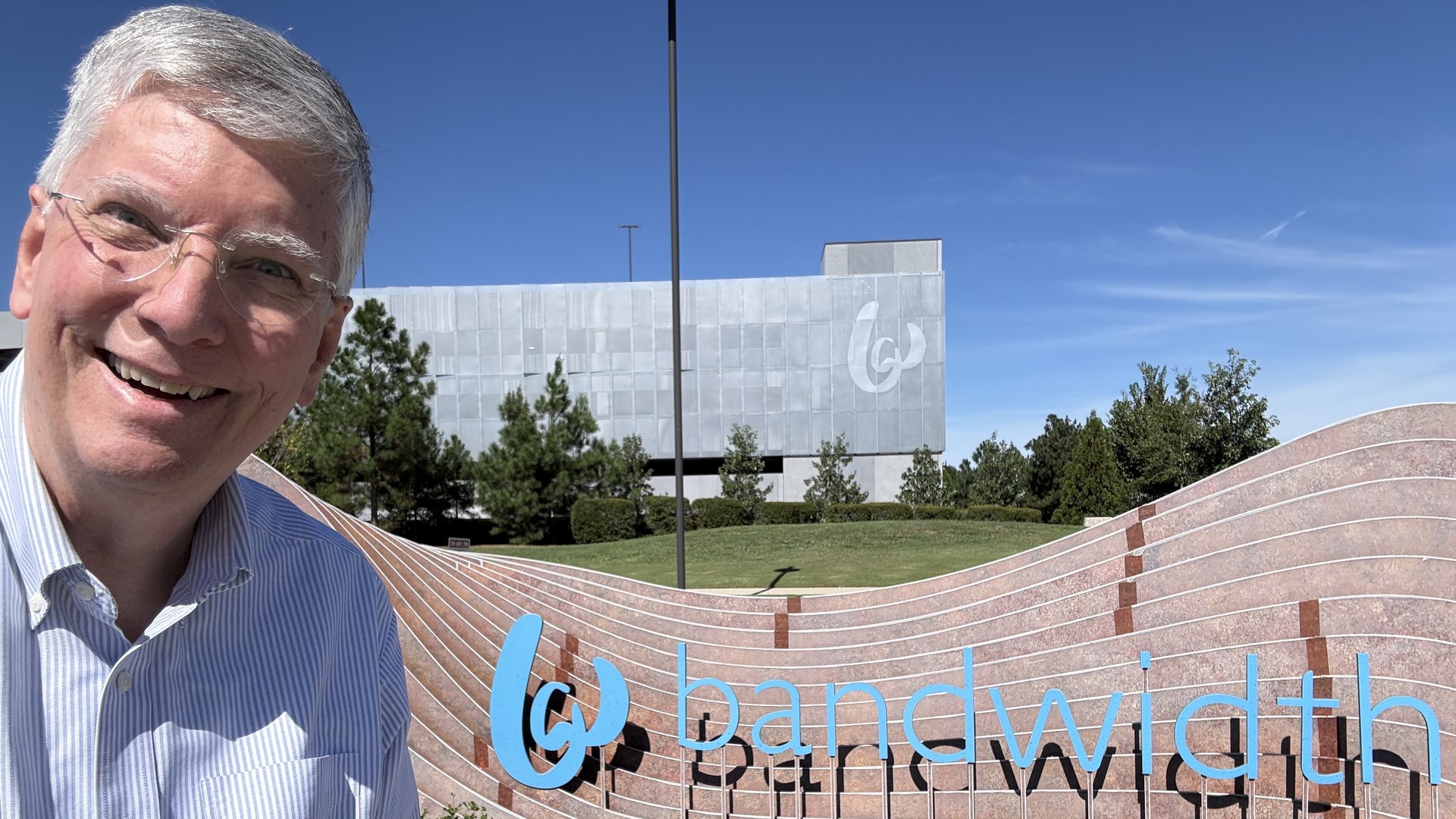
Date posted: October 5, 2026 A visit to Bandwidth in Raleigh, one of the carriers behind our service, and why North Carolina businesses do better when they partner with North Carolina businesses.
Read more →
 How-To Guides
Date posted: October 4, 2026 How to give remote and hybrid employees one business number on every device, with Triad work-from-home figures, 911 rules for home offices, a personal cell phone policy, and a 15-point checklist.
Read more →
 How-To Guides
Date posted: October 3, 2026 Six steps to move a Greensboro office to a cloud phone system without a missed call: inventory every line, check the network, plan for outages, port numbers carefully, set up E911 locations, and train your staff.
Read more →