How To Guide · K-12 and Campus Safety
School Emergency Calling Features That Matter
A fast path to 911, a location responders can find, and the right people on campus alerted, in every building you own.
Published: | Last updated:
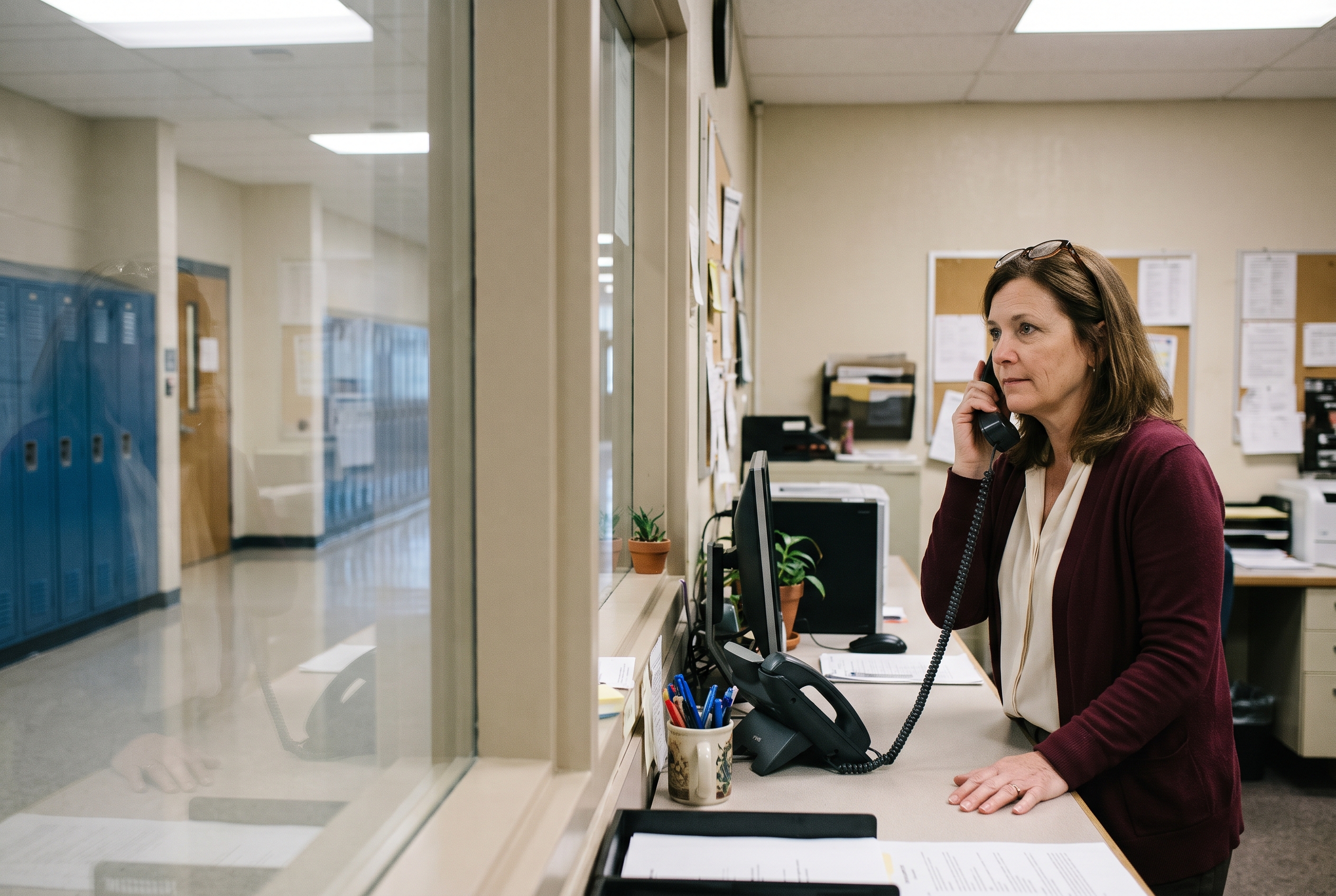
A front-office administrator hears a fight escalating near the gym. A teacher sees a student collapse in a science lab. In both moments, the phone on the wall has to do more than place a call.
It has to get the caller to the right help quickly. It has to tell responders where on campus that help is needed. And it has to alert the people in the building who must respond before the first siren is audible. Those are three separate jobs, and a phone system that handles only the first one leaves your staff to cover the other two from memory, under pressure.
Local Business VoIP is the small-business site of Carolina Digital Phone, Inc., a Greensboro, North Carolina company that has provided hosted voice, messaging, and AI integration to businesses, schools, and local governments since 2000. School districts, private schools, and public charter schools are a large part of what we do, and school phone systems are where emergency calling gets the most careful attention. I wrote this guide for the superintendent, technology director, principal, or safety lead who wants to know which features matter and how to prove they work.
Quick answer
The school emergency calling features that matter are direct 911 dialing from every phone, a callback number that reaches a person, a dispatchable location that names the building and room, and an automatic alert to a small campus response group. Paging and mass notification are separate tools with separate jobs. All of it should be tested with the 933 test line, never by dialing 911.
- Direct 911 dialing
- A caller can dial 911 from any phone without first dialing 9 or another outside-line digit.
- Dispatchable location
- The street address plus the detail responders need to find the caller: building, floor, wing, or room.
- Callback number
- The number a dispatcher uses to reconnect with the caller if the call drops.
- On-site notification
- An alert to designated staff that a 911 call was placed, showing which phone and where.
- 933 test line
- A test number that reads back the location and callback number your phone would send, with no dispatcher on the line.
- MLTS
- Multi-line telephone system. The federal term for the kind of phone system found in schools, offices, and campuses.
What are the three jobs a school phone system has in an emergency?
Calling 911, notifying your own responders, and sending a broader message are related tasks, but they are not the same task. Your phone system should support each one without asking staff to remember a complicated process at the worst possible time.
| Job | Who it reaches | What the phone system must do | What goes wrong |
|---|---|---|---|
| Call 911 | Public emergency services | Connect directly, send a callback number and a location inside the campus | A required 9, a callback that hits an auto attendant, an address with no room |
| Alert campus responders | Front office, administrator, nurse, school resource officer, facilities | Notify a named group automatically with the phone, time, and location | Nobody inside knows a call was made until responders arrive at the door |
| Tell everyone else | Staff in the building, then families | Paging for live voice inside, mass notification for text and email outside | One tool is expected to do both, or nobody is sure who may send the message |
Can every phone in your school dial 911 directly?
It should, and federal rules now expect it of newer systems. The reason has a name. In 2013 a woman named Kari Hunt was killed in a motel room in Marshall, Texas. Her nine-year-old daughter picked up the room phone and dialed 911 four times. None of the calls went through, because the motel's phone system required a 9 first. She had done exactly what every child is taught to do.
The law that followed is called Kari's Law. The FCC's rules for multi-line telephone systems require that systems manufactured, sold, leased, or installed after February 16, 2020 let a user dial 911 with no prefix or access code. The same rules require the system to notify a central location, on site or off site, where someone is likely to see or hear that a 911 call was placed.
Now think about who uses the phones in a school. A substitute on her first day in the building. A parent volunteer in the library. A custodian working alone at 6:00 in the evening. A fifth grader sent to the classroom phone because the teacher is on the floor. None of them know your dial plan, and they should not have to.
Direct dialing sounds basic, but test it after a phone migration, a building renovation, or any change to the dial plan. Then look at two details that are easy to miss:
- The callback number. If a dispatcher needs to reconnect, the call should return to a staffed location or to the extension that placed the call when that is practical. A main school number that lands on an auto attendant is a poor callback path during an active emergency.
- The address for each building. An elementary school, a field house, an administrative office, and a remote learning center may each need a different street address. If you share a site with another agency or lease part of a larger complex, the details deserve extra attention.
What is a dispatchable location, and why does a campus address fall short?
A dispatchable location is the street address plus the detail that gets responders to the right door. The FCC describes it as the caller's street address along with added information, such as a room and floor number, that first responders need to locate the caller.
A campus address may be enough for a small one-building school. It is rarely enough for a high school campus, a district office, a community college, or a school with separate athletic, maintenance, and transportation buildings. "123 Main Street" does not tell anyone whether the emergency is in the auditorium, a portable classroom, or a bus garage behind the main building.
This is the part of our work I care about most. Carolina Digital Phone's E911 for schools does not stop at the street address. It tells the 911 operator the exact classroom. When a teacher in Room 212 of the science wing picks up the phone, the location on the dispatcher's screen says so.
The portable that was still Room 114
The details here are blended from more than one school, but the pattern is real. A middle school adds two portable classrooms behind the gym over the summer. To get them ready in time, the technology coordinator takes two spare phones from a storage closet in the main building and plugs them in. They ring. They dial out. Everyone moves on to the next item on a very long August list.
In October the team does a location review. A facilities supervisor stands in the first portable, dials the test line, and listens as a recorded voice reads back the location on file: main building, first floor, Room 114. Room 114 is at the opposite end of the campus, behind two sets of locked doors.
Nothing was broken. The phones worked perfectly. They were simply still telling the world they lived in a closet they had left in July. If a real call had been placed from that portable, responders would have been sent to the wrong building while a teacher waited.
That is why schools need accurate location records as much as good phone technology. Someone has to own the process of updating locations when a phone is moved or a room is repurposed. IT may manage the system, but facilities staff and school administrators usually know about a building change first.
Who on campus should be alerted when someone dials 911?
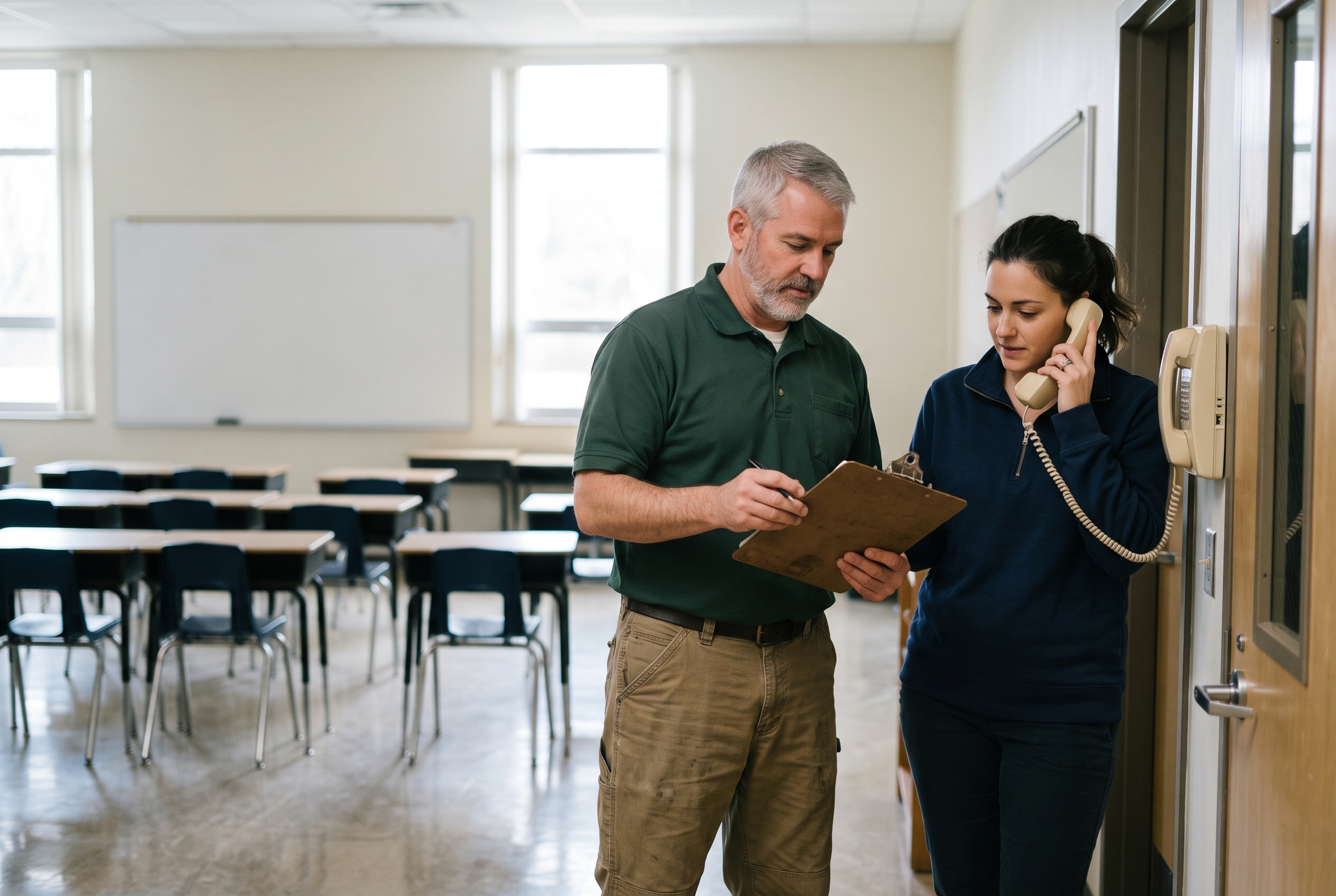
A small group with backup coverage. A 911 call brings public emergency services. It should also start your internal response, because the people already in the building can unlock a door, meet the ambulance at the right entrance, bring the AED, or clear a hallway minutes before anyone arrives from outside.
A well-planned phone system sends an alert to designated recipients with the caller's number, the time, and the location. Our platform sends an email notification to your office administrator or security team whenever a 911 call is placed, and it does the same for a 933 test call so you can confirm the alert works without a real emergency.
Decide in advance who receives those notices and who is responsible for acknowledging them. Sending every alert to every employee creates confusion, especially in a large district. Sending it to one person creates a single point of failure, and that person will be at a conference the day it matters. A front office contact, an administrator, the nurse, the school resource officer, and a facilities lead is a practical starting group for many schools.
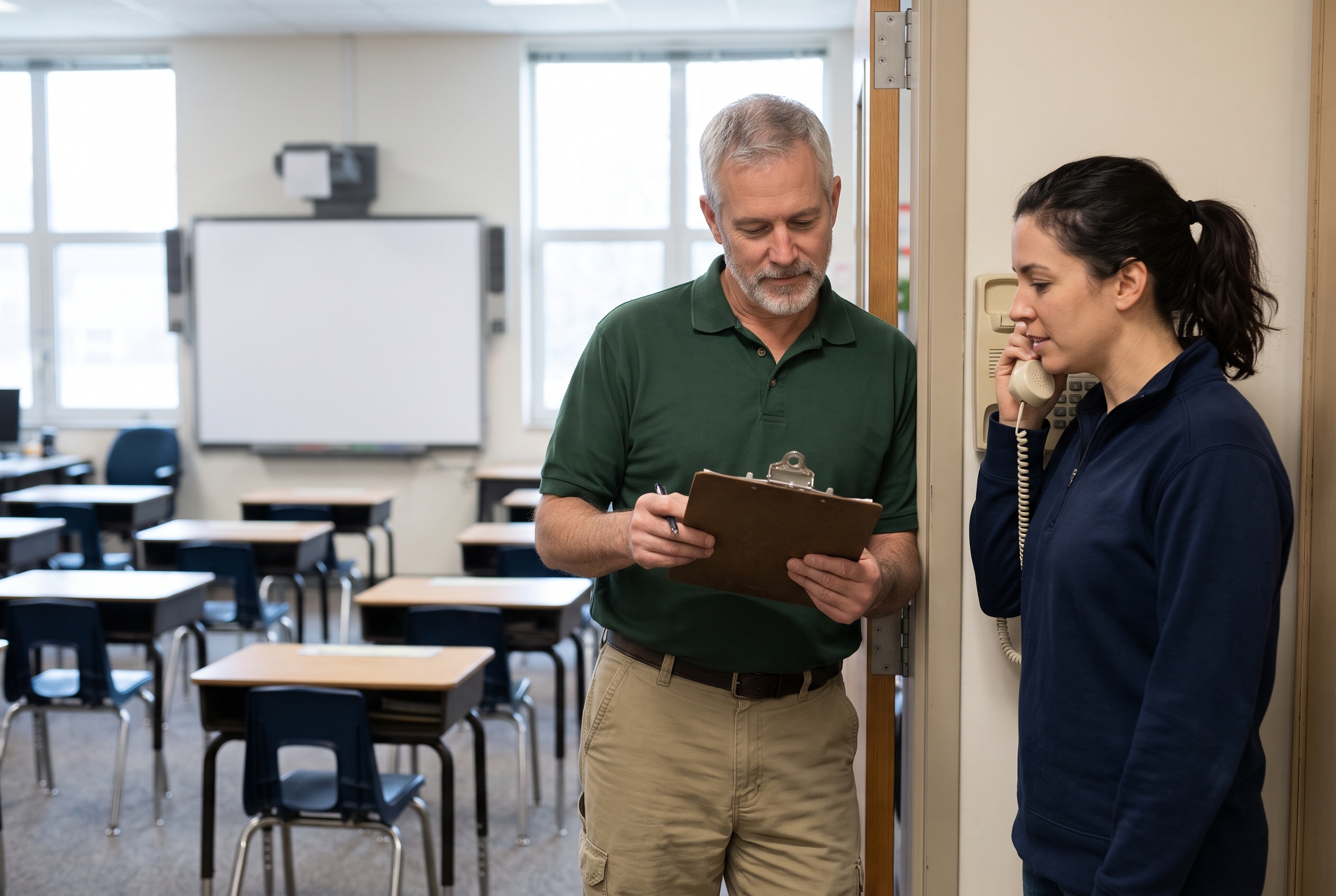
Internal emergency dialing can help as well. A school may use a short code or a dedicated button to reach the front office, security, or a response group for situations that need immediate campus help but not 911. That is useful, as long as it never creates doubt about how to reach 911 when public emergency help is needed.
How do you test school 911 locations without calling 911?
Dial 933 instead. The 933 test line reads back the callback number and the location your phone would send on a real emergency call, and there is no dispatcher on the other end. You should never dial 911 just to test. A test call ties up a dispatcher who may be needed elsewhere, and it can send responders to your campus.
One of our onboarding specialists explains the whole process in this short video: what a dispatchable location is, why the records go stale every time a phone moves or a new wing opens, how the 933 test works, and how the email alert tells your office administrator or security team that a 933 or 911 call was placed.
Prefer to watch on YouTube? Open the 911 location testing video. The companion article is how to test E911 locations before an emergency.
Here is how I would run that test at a school. It takes a morning for a single building and it is the most useful morning your safety team will spend all year.
- Gather the four people who know the building Bring together whoever owns safety, facilities, IT, and the front office. IT knows the phone system. Facilities and the front office know which rooms were renumbered, which wing was added, and where the portable classrooms sit this year.
- Print the phone and location list Ask your provider for a list of every phone, extension, and app user with the emergency location on file for each one. Sort it by building so you can carry it from room to room.
- Walk every building with the list in hand Go room by room, including the gym, cafeteria, field house, bus garage, maintenance shop, and every portable. Mark any phone that is missing from the list, any phone that has moved, and any room whose name or number has changed.
- Dial 933 from each phone, never 911 From each phone, dial the 933 test line. It reads back the callback number and the location that would be sent on a real emergency call, with no dispatcher on the line. Compare what you hear to the room you are standing in.
- Confirm the alert reached your response group Each test should trigger the notification your team is supposed to receive. Check that the email or alert arrived, that it reached every person in the response group, and that it named the right phone and location.
- Fix what does not match and schedule the next walk Send the corrections to your provider, retest the phones that changed, and put the next review on the calendar: before each school year, after any renovation or room change, and after every phone move.
Not sure what your phones would send today?
Schedule a 15 to 30 minute no-obligation discovery meeting on Google Meet at meet.carolinadigitalphone.com. An onboarding specialist will review your 911 records with you, show you the 933 test, and help you fix anything that does not match your building.
How do softphones, mobile apps, and cordless phones change the picture?
They move, so they need their own plan. A desk phone or a wall phone can be assigned to a known room. A mobile app may be used in a classroom one day and at a coach's kitchen table the next. A cordless handset travels from the office to the playground.
Make sure staff understand when a mobile device or softphone provides a different location experience than a fixed classroom phone. The honest answer depends on the device, the network, the configuration, and the information the user provides. Ask your provider to explain it for each kind of device you use, in writing, and build that into staff training. A simple rule many schools adopt: in an emergency, use the fixed phone in the room if there is one.
Are paging, bells, and mass notification the same thing?
No, and treating them as one system is a common and expensive mistake. Schools often ask whether a paging system can serve as an emergency notification system. It can play a part. It is not a complete answer.
| Tool | What it does | Who hears or sees it | What it depends on |
|---|---|---|---|
| Paging | A live voice announcement | Classrooms, halls, and common areas through phones and overhead speakers | Paging groups by building or zone, and a short list of people allowed to page |
| Bells | Scheduled tones for the school day | The whole building | A schedule someone keeps current, including early release and exam days |
| Mass notification | Text, email, desktop, and app alerts | Staff and families, including people who are not in the building | Current contact data, message templates, and a decision about who can send what |
The right arrangement depends on your emergency plan. A small private school may need direct 911 calling, office alerts, and building paging. A district with several campuses may need location-based alerts, paging groups by campus, mobile access for administrators, and a separate mass-notification process. Buying features without deciding who operates them is the mistake I see most often. I go deeper on both in VoIP for schools with paging and E911 and emergency notification system planning.
Your phone plan should also fit inside your school's emergency operations plan, not sit beside it. The federal SchoolSafety.gov emergency planning resources and the Guide for Developing High-Quality School Emergency Operations Plans are good starting points if your plan is due for a review.
What happens to emergency calling when the power or internet goes out?
The equipment with power and a network path keeps working, and the rest does not, so you need to know which is which. Hosted phone service supports continuity because incoming calls can be rerouted to mobile phones, another campus, or a temporary location when a building cannot take them. That is valuable during a power outage, a water leak, a weather event, or an evacuation. It does not mean every device will work in every outage.
Desk phones, network switches, Wi-Fi, and internet equipment all need power. Identify which communications equipment is on battery backup, how long that backup is expected to last, and what the fallback is once it runs out. Cellular service may help staff communicate, but it can be congested or unavailable in a local emergency.
Your call flow should answer a few plain questions. Where do the main numbers ring if the front office is closed? How do staff reach technology support? How are inbound calls handled if a building is evacuated and three hundred parents call at once? Test those answers as seriously as you test the phone features.
Who keeps the records accurate after the installer leaves?
Someone on your staff, by name, with a provider who makes changes easy. Emergency calling is not something you configure once and forget. Phone moves, room changes, new wings, and temporary classrooms all change the information attached to a call, and nothing on the phone tells you the record is wrong.
The strongest emergency configuration is usually the one your team can maintain. Keep an inventory with four columns:
- Every emergency-capable phone and app user
- The location assigned to each one
- Who receives the notification when it dials 911
- Who is authorized to request a change
Include new classrooms, temporary trailers, athletic facilities, and maintenance spaces, not only the main office. Our list of must-have school phone safeguards covers the rest of the checklist.
What should you ask a provider before you sign?
Ask for specifics you could explain to your board. Before selecting or changing a provider, put these questions in writing:
- Can you document how our 911 calls are routed and exactly what location information is sent?
- Can every phone be assigned its own room, and can we see the list?
- Can our team update a room assignment without waiting weeks?
- Is there a test line such as 933, and does a test call trigger the same alert as a real one?
- How are internal alerts configured, and who can change the recipient list?
- What happens to inbound calls if the school loses internet service?
- Who answers when we report a problem after hours?
A local communications provider should be willing to walk through those questions with your technology, safety, and facilities teams in the same room. At Carolina Digital Phone that planning includes reviewing call flow, building locations, emergency routing, and continuity options before the system is put into daily use. We have done it from Greensboro since 2000, and you can read why schools and businesses choose us, our history, and what we mean by a trusted communications partner. Our K-12 schools page and HostedVoIPforSchools.com describe the service itself.
The goal is not a complicated phone design. It is a setup staff can rely on and administrators can explain. Before the next school year or campus expansion, gather the people who own safety, facilities, IT, and front-office operations. Walk the buildings, verify the phone locations, and make one test plan together. That work finds the gaps a feature checklist never will.
Frequently asked questions about school emergency calling
What are school emergency calling features?
They are the phone system settings that get a caller to 911 without extra steps, send responders a callback number and a location inside the campus, and alert designated staff that an emergency call was placed. Paging and mass notification are related tools, but they do a different job.
Do school phones have to dial 911 without dialing 9 first?
Under the federal rule known as Kari's Law, multi-line telephone systems manufactured, sold, leased, or installed after February 16, 2020 must let a user dial 911 directly, with no prefix or access code. Older systems should be tested and reviewed with your provider and your attorney, because a caller under stress will not remember an outside-line digit.
What is a dispatchable location for a school?
It is the street address plus the added detail responders need to find the caller, such as the building, floor, wing, or room number. For a campus with several buildings, the street address alone does not tell responders whether the emergency is in the auditorium, a portable classroom, or the bus garage.
Can a school phone system tell 911 which classroom the call came from?
Yes, when each phone is assigned its own location record. Carolina Digital Phone configures school phones so the 911 operator receives the specific classroom or room along with the street address, and those records are reviewed with your team before the system goes into daily use.
How do you test a school phone for 911 without calling 911?
Dial the 933 test line. It reads back the callback number and location that would be sent on a real emergency call, with no dispatcher involved. Never dial 911 just to test, because a test call ties up a dispatcher and can send responders to your campus.
Who should be notified when someone at school dials 911?
A small response group with backup coverage, not one person and not every employee. Many schools include the front office, an administrator, the school nurse, the school resource officer, and a facilities lead. The alert should show which phone placed the call, when, and from where.
Is a paging system the same as mass notification?
No. Paging delivers a live voice announcement to classrooms, hallways, and common areas inside the building. Mass notification reaches staff and families beyond the building through text, email, and app alerts. Most schools need both, plus a clear decision about who is allowed to send each one.
Will school phones work in a power or internet outage?
Only the equipment that still has power and a network path. Desk phones, network switches, and internet equipment all need electricity, so identify what is on battery backup and for how long. A hosted phone system can reroute incoming calls to mobile phones or another campus when a building cannot take them.
How often should a school test its 911 locations?
At least once a year before school starts, and again after any renovation, room renumbering, new wing, portable classroom, or phone move. Location records go out of date quietly, and nothing on the phone tells you the record is wrong.
How do softphones and mobile apps handle 911?
Differently from a fixed classroom phone. A desk phone stays in a known room, while an app may be used in a classroom one day and off campus the next. Ask your provider how each app reports location and make sure staff know when to use a fixed phone or their cell phone instead.
How do we get started with Carolina Digital Phone?
Schools and public agencies can call the Gov/Edu team at (336) 543-0000, request a quick call back at quote.carolinadigitalphone.com, or schedule a 15 to 30 minute no-obligation discovery meeting with an onboarding specialist on Google Meet at meet.carolinadigitalphone.com.
Find out what your school phones would send today
The experienced team at Carolina Digital Phone will review your 911 records, show you the 933 test, and help you fix anything that does not match your buildings. We are a local company, and a real person answers when you call.
Schools and public agencies: call our Gov/Edu team at (336) 543-0000.
Discovery meetings are 15 to 30 minutes on Google Meet with an onboarding specialist, with no obligation. Businesses can reach us at (336) 544-4000.