Published October 2, 2026. Last updated October 2, 2026.
Quick answer: which Yealink DECT cordless phone system do you need?
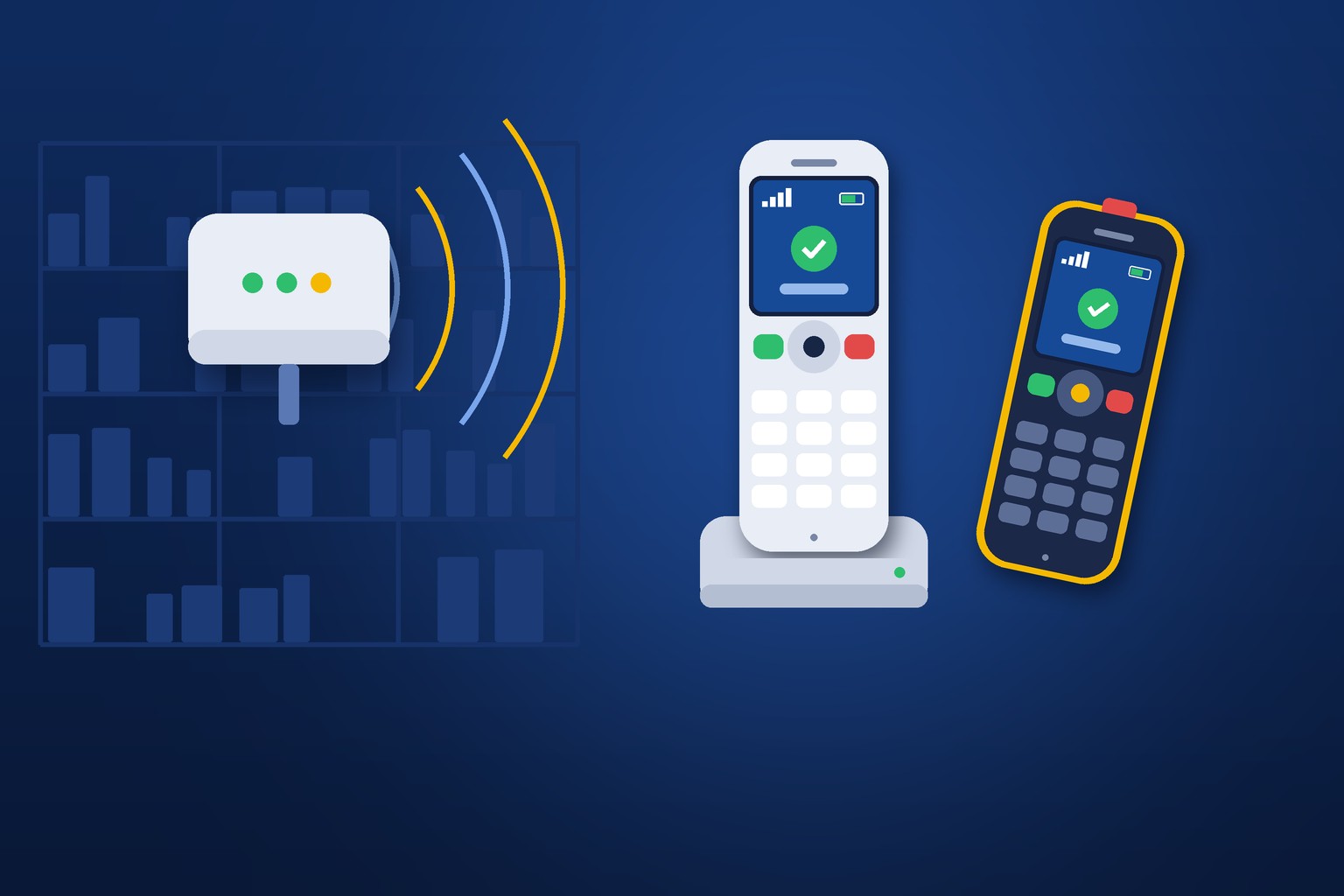
If you need up to ten cordless handsets in one building, a single Yealink W70B base station is the right starting point, with repeaters added where walls or distance weaken the signal. If your people walk between buildings, floors, or a large plant and must stay on a call the whole way, you need a multi-cell system such as the Yealink W90, where several base stations act as one network. Choose the handset by the job: a basic handset for an office, a premium handset for heavy users, and a ruggedized handset for a warehouse, shop floor, kitchen, or school grounds.
- DECT
- Digital Enhanced Cordless Telecommunications, the radio standard behind business cordless phones. In the United States it is sold as DECT 6.0 and uses its own protected band rather than sharing airtime with Wi-Fi.
- Base station
- The small box that plugs into your network and talks to the handsets by radio. It is the part that connects to your phone service.
- Handset
- The cordless phone a person carries. Each one registers to a base station and has its own extension.
- Repeater
- A device that extends the coverage of a base station into a dead spot. It adds reach, not capacity.
- Single-cell
- One base station serving the handsets around it. Simple and affordable for one building.
- Multi-cell
- Several base stations working as one system, so a handset hands off from one to the next as the person walks.
If you have ever stood in a warehouse and heard "Dale, line two. Dale, line two" echo off the back wall, you already understand the problem a cordless phone solves. Dale is not at his desk. Dale is never at his desk. Dale is on a forklift, or on the loading dock, or up a ladder, and the customer on line two is listening to hold music while someone goes looking for him.
Every organization has a Dale. The nurse who is always in an exam room. The school custodian. The parts counter manager. The restaurant owner who is in the kitchen at noon and the office at three. A desk phone is the wrong tool for these people, and a personal cell phone is a worse one, because it takes the call outside your business where nobody can transfer it, cover it, or see that it was missed.
Local Business VoIP is the small-business site of Carolina Digital Phone, Inc., the Greensboro company my team and I have run since 2000. This guide covers the Yealink DECT cordless line in plain English: what the pieces are, how far they reach, which handset fits which job, and the questions I would want answered before spending a dollar.
Picture a family-owned HVAC supply house. Four people up front, a counter, and twenty thousand square feet of racking behind them. The phone rings about a part. The counter person puts the caller on hold and walks to the back to ask the one man who knows where it is.
Multiply that by forty calls a day. Every one of them is a customer on hold and an employee away from the counter. The owner assumed the fix was another person up front. The fix was a cordless handset on the belt of the man in the back, ringing as part of the same group as the counter. The caller asks the question once, to the person who knows the answer.
That is the whole case for DECT. Not a gadget. A shorter path between the question and the answer.
What is a DECT cordless phone, and why not just use Wi-Fi?
A DECT phone is a cordless business handset that talks to a base station over a radio standard built for voice. DECT stands for Digital Enhanced Cordless Telecommunications. The standard is maintained by ETSI, the European standards body, and it has been refined for more than thirty years. In the United States it operates in the 1920 to 1930 MHz band that the FCC sets aside for unlicensed personal communications devices, which is why you see it sold as DECT 6.0.
That separate band is the practical advantage. Your Wi-Fi network is shared with laptops, tablets, cameras, guest phones, and the microwave in the break room. DECT handsets are not competing with any of that. They have their own lane, designed for one job, and the result is typically steadier calls and longer battery life than a Wi-Fi handset manages.
Wi-Fi phones have their place, especially where a well-engineered wireless network already covers a whole campus. We covered that option in our guide to VoIP Wi-Fi phones. For most small and mid-sized buildings, though, DECT is simpler to install and more forgiving to live with. The base station needs one network cable. The handsets need nothing but a charger.
One more point people miss. A DECT handset on a hosted phone system is a full extension. It rings with your ring groups, transfers to any desk, shows the business caller ID, and reaches voicemail like any other phone. It is not a consumer cordless phone from an office supply store wired into one line.
What are the pieces of a Yealink DECT system?
Four kinds of hardware, and you may only need two of them. Yealink's current DECT lineup is long, but it sorts cleanly once you see the categories.
The base station
For a single building, the workhorse is the Yealink W70B. According to Yealink's published specifications, one W70B supports up to 10 handsets, 10 SIP accounts, and 20 simultaneous calls. It is powered over its network cable, so it can be mounted high on a wall where radio coverage is best, away from any outlet. It supports encryption of both call signaling and audio on the way to the phone platform.
The handsets
Yealink groups its handsets into basic, premium, and ruggedized. The right one depends on the person, not the budget line. More on that in the next section.
Repeaters
The RT30 repeater extends a W70B's coverage around a corner, down a hallway, or out to a dock. A single base can take up to six, and two can be chained one after another to push further in one direction. Remember what a repeater is. It is a longer reach for the same base, so the ten-handset and twenty-call limits do not change.
The extras
The same base can also serve devices that are not handsets at all: Yealink's DECT wireless headsets, a cordless conference phone you can carry into any room, and even a desk phone fitted with a DECT adapter for a spot where running a cable is not practical. That last one solves a surprising number of problems in older buildings. A desk phone in a guard shack, a loft office, or a historic storefront where nobody wants to drill through brick.
Which Yealink handset fits which job?
Match the handset to the worst day that person has, not the average one. A handset that lives on a desk charger has an easy life. One that rides in an apron pocket through a kitchen, or on a belt across a gravel yard, does not.
| Who carries it | What matters most | Yealink handset class | Examples |
|---|---|---|---|
| Office staff who step away from the desk, a small front office, a church office | Simple to use, light, affordable | Basic | W71H, W73H |
| Managers and heavy users who live on the phone all day | Larger color screen, better audio, headset options | Premium | W74H, W78H, W56H |
| Warehouse, shop floor, auto service bay, loading dock | Survives drops, dust, and noise | Ruggedized | W57R, W59R |
| Kitchens, clinics, custodial and maintenance staff | Can be wiped down, tolerates moisture | Ruggedized | W57R, W59R |
| People who work alone or in higher-risk areas | Alarm and lone-worker features | Ruggedized, top tier | W59R, W59R Pro |
| Someone who sits at a desk but paces on calls | Hands free within range of the desk | DECT headset rather than a handset | Yealink WH series |
Yealink also sells each handset bundled with a W70B base as a starter package: the W73P and W71P with basic handsets, the W74P and W78P with premium handsets, the W76P with the W56H, and the W77P and W79P with ruggedized handsets. If you are starting from nothing, a package is usually the sensible way to buy the first handset, and you add individual handsets after that.
Two honest cautions. First, ruggedized handsets carry dust and water resistance ratings, and those ratings mean specific things. The IEC's guide to IP ratings explains the two digits. Check the rating on the exact model against the environment, because "rugged" on a box is not a specification. Second, alarm features such as a panic button or a man-down alert depend on how the system is configured and where the alert is sent. Never assume they work because the button is there. Ask, test, and write down who receives the alarm.
In a loud building, audio matters more than anything else on the spec sheet. If your people work around compressors, presses, or kitchen hoods, tell us before you choose. OSHA's guidance on occupational noise is a useful reference for how loud your floor really is, and we went deeper on plant environments in our manufacturing VoIP deployment guide.
How far does a Yealink DECT system reach?
About 165 feet indoors and up to roughly 1,000 feet outdoors from a single W70B, by Yealink's published figures, and those are best-case numbers. The outdoor number assumes open air and a clear line of sight. The indoor number assumes ordinary office construction.
Real buildings are not ordinary. Here is what shortens DECT range in practice, roughly in order of how often I see it:
- Metal. Racking full of inventory, walk-in coolers, elevator shafts, metal roofs, and foil-backed insulation. A warehouse aisle is a radio canyon.
- Masonry and concrete. Block walls, poured floors, and the brick in every downtown building built before 1950.
- Floors. Coverage spreads outward far better than it goes up or down. A base on the first floor rarely serves the third.
- Where the base sits. A base station on the floor behind a filing cabinet performs like it is on the floor behind a filing cabinet. Mount it high and central.
This is why we walk the building first. The handset shows signal strength, so a site walk is simple: put a base where it will live, carry a handset to every place a person will actually stand, and mark where it fades. Those marks tell you whether you need zero repeaters, two, or a different kind of system altogether. For larger sites Yealink makes a dedicated survey kit with a measuring base and handsets for exactly this purpose.
Do you need a single-cell or a multi-cell system?
Ask one question: does anyone need to stay on a call while walking from one coverage area to another? If the answer is no, single-cell is enough. If the answer is yes, and the distance is more than repeaters can bridge, you need multi-cell.
| Your situation | What fits | Why |
|---|---|---|
| One building, up to 10 cordless users, coverage reachable from one spot | One W70B | Simple, low cost, one cable |
| One building with a dead spot: a back room, a dock, a second wing | One W70B plus RT30 repeaters | Repeaters fill gaps without changing anything else |
| More than 10 cordless users who each stay in their own area | Two or more W70B bases | Each base is its own island. Fine if people do not roam between them |
| People roam across floors, buildings, or a large plant and must not drop calls | Multi-cell: W75, W80, or W90 | Base stations work as one network and hand calls off as people walk |
| A campus: a school, a church with several buildings, a town complex | Multi-cell with a site survey | Coverage has to be designed, not guessed |
The mistake I see most often is the third row pretending to be the fourth. Someone buys a second single-cell base to cover the other end of the building, and it works, until an employee walks from one end to the other during a call and it drops in the middle. Two separate bases do not hand off to each other. If roaming is the requirement, say so at the start, because it changes the design. Yealink's multi-cell systems, the W90 and its smaller siblings, exist for exactly that.
The same thinking applies across locations. If you have several sites, each one gets its own DECT coverage, and the hosted platform ties the extensions together. Our guide to multi-location phone systems covers that layer.
What can a cordless handset not do?
It cannot replace the receptionist's phone, and I would rather tell you that now than after the install. A handset has a small screen and a handful of keys. A good desk phone has a large display and rows of buttons that show at a glance who is on a call, who is free, and what is parked. For the person who answers and routes every call, that visibility is the job.
A few other limits worth knowing:
- Batteries are a habit. A handset left on a shelf overnight is dead by lunch. Put chargers where the handsets naturally come to rest, and buy a spare charger before you need one.
- Shared handsets need an owner. "The warehouse phone" that belongs to nobody is the one that goes missing. Assign each handset to a person or a named station.
- Capacity is a hard ceiling. Ten handsets per W70B means ten. Plan for the eleventh before you hire them.
- It is not a cell phone. Walk out of range and the call ends. For people who leave the property, a mobile app is the right tool.
That last point is the real decision for many offices. We compared the choices in softphone versus desk phone. My rule of thumb: if the person roams inside your building, give them DECT. If they roam outside it, give them Digital Voice Plus, our app for Apple, Android, Mac, and Windows, so their extension follows them on the phone already in their pocket. Plenty of people need both, and on a hosted system both can ring at once.
What happens when someone dials 911 from a cordless handset?
The call goes through, but the location it reports is only as good as the record behind it, and a handset moves. A desk phone stays in Room 214. A cordless handset registered to a base in the front office might be in the back lot when someone needs help.
Federal rules under Kari's Law and RAY BAUM'S Act require direct 911 dialing and a dispatchable location from multi-line phone systems, with specific provisions for devices that are not fixed in place. In practice that means three things for a cordless deployment:
- Register each handset to a location that honestly describes the area it covers, such as "Warehouse, Building B" rather than a single desk.
- Set the on-site notification so someone at the front office knows a 911 call was placed and can meet responders.
- Train everyone who carries a handset to say where they are first. It is the one thing the system cannot know for certain.
We walk through the records themselves in how to assign dispatchable E911 locations. For schools, where custodians, coaches, and front office staff all carry handsets across a campus, must-have school phone safeguards covers the rest of the safety picture.
Are DECT cordless phones secure?
Yes, when both halves are handled. There are two links to protect. The first is the radio link between the handset and the base, which DECT encrypts as part of the standard. The second is the network link between the base and the phone platform, where the W70B supports encrypted signaling and encrypted audio.
On the Carolina Digital Phone platform that second link uses SIP over TLS and SRTP, and we keep Yealink firmware current for our customers. When a vulnerability in Yealink's provisioning service was disclosed in 2025, we published what it meant and what protections were already in place. Your side of the work is in our VoIP security checklist, and it is short: keep the base station on a network you control, and do not leave handsets unlocked in public areas.
How does Carolina Digital Phone set up a DECT system?
We start with the people, not the part numbers. Before anyone quotes hardware, we want to know who is away from their desk, where they go, and what happens to their calls today. That conversation usually changes the order.
- A walk through your building. A local engineer tests coverage where your people actually work, so the base and any repeaters go in the right place the first time.
- The right mix. Desk phones where someone routes calls, handsets where someone roams, the mobile app where someone leaves the property. Most offices need a blend.
- Handsets that arrive ready. Each handset is matched to its extension and ring groups in advance. If you want to know what that involves, see how VoIP phone auto-provisioning works.
- Call routing that includes the handsets. The point is for the person in the back to ring with the counter, or for the nurse to ring after the front desk. We build that into the call routing, not around it.
- Emergency locations recorded. Every handset gets a location and the notification is tested.
- Support after install. Dial 611 from any Carolina Digital Phone handset or call (336) 346-6000.
We work this way for offices, schools, healthcare practices, and restaurants and retailers across North Carolina, South Carolina, and Virginia. You can see how cordless phones fit with the rest of the phone system and its full feature list on the Carolina Digital Phone site, and read more about us on our why Carolina Digital Phone, history, and trusted communications partner pages.
What should you decide before you buy?
Six answers, and you can write them on the back of an envelope. Bring them to any provider and you will get a better quote and a faster install.
- How many people need a cordless handset today, and how many in two years?
- Where does each of them go during a normal day? Sketch it on a floor plan.
- Does anyone need to stay on a call while walking between buildings or floors?
- What is the roughest environment a handset will see: dust, water, drops, noise?
- Which calls should ring those handsets, and what happens if nobody answers?
- Who owns the chargers, the spare handset, and the list of who has which one?
Technology should shorten the distance between a customer's question and the person who can answer it. A cordless handset does that in the most literal way possible. Dale stays on the forklift. The customer gets an answer. Nobody shouts "line two" across the building. After forty-five years in technology I still like the simple fixes best.
Frequently asked questions about Yealink DECT cordless phones
What is a DECT cordless phone?
A DECT cordless phone is a business handset that connects by radio to a base station, which plugs into your network and your phone service. DECT stands for Digital Enhanced Cordless Telecommunications. In the United States it is sold as DECT 6.0 and uses its own protected frequency band, separate from Wi-Fi.
How many handsets can one Yealink W70B base station support?
According to Yealink's published specifications, one W70B supports up to 10 handsets, 10 SIP accounts, and 20 simultaneous calls. Repeaters extend coverage but do not raise those limits. If you need more than 10 cordless users, you add another base station or move to a multi-cell system.
How far does a Yealink DECT handset reach?
Yealink lists about 165 feet indoors and up to roughly 1,000 feet outdoors from a single W70B base under ideal conditions. Metal racking, masonry walls, concrete floors, and poor base placement all reduce that. Up to six RT30 repeaters can extend coverage, and a walk-through test with a handset shows where they are needed.
Does DECT interfere with Wi-Fi?
No. In the United States DECT operates in the 1920 to 1930 MHz band reserved by the FCC for unlicensed personal communications devices, which is separate from the 2.4, 5, and 6 GHz bands used by Wi-Fi. The two can run side by side in the same building.
What is the difference between single-cell and multi-cell DECT?
A single-cell system has one base station serving the handsets around it, optionally with repeaters. A multi-cell system uses several base stations that work as one network, so a handset hands off from one to the next as the person walks. Choose multi-cell when people must stay on a call while moving across floors, buildings, or a large plant.
Can a cordless handset replace a desk phone?
For someone who moves around the building, yes. For a receptionist or anyone who routes calls all day, no. A desk phone has a larger screen and rows of buttons that show who is on a call and what is parked, and a handset cannot match that visibility.
What location does 911 see when someone calls from a cordless handset?
It sees the location registered for that handset, not where the person is standing. Because a handset moves, register it to the area it covers, set an on-site notification so staff can meet responders, and train everyone who carries one to state their location first.
Related guides
Who in your building is never at their desk?
Tell us who they are and where they go. A local engineer will walk your building, test coverage, and recommend the smallest system that does the job. We have done this for North Carolina businesses, schools, and local governments since 2000, and a person answers when you call.
Call (336) 544-4000 Request a Cordless Coverage Walk-ThroughWant a quick quote first? Three questions at HostedBusinessTelephone.com, or ask the founder directly at LocalVoIPProvider.com. Schools and government offices can reach our Gov/Edu team at (336) 543-0000. Learn more at CarolinaDigitalPhone.com.